Affiliate disclosure: TheTechVector earns a commission if you sign up via links on this page, at no extra cost to you. Our recommendations are based on independent research — we are not paid to favour any provider. Learn more about how we make money.
Choosing the best home security camera UK buyers can get in 2026 comes down to two questions most people only face after they have paid: how much footage costs to store, and whether the camera is even legal where you have pointed it. This guide compares the brands that matter in Britain — Ring, Eufy, Arlo, Reolink, Tapo, Google Nest and Blink — on price, picture quality, storage and total running cost, plus the parts rival roundups skip: a subscription-versus-local-storage breakdown, a five-year cost table, and a plain-English section on the ICO rules for a camera pointed anywhere near a pavement or a neighbour’s garden.
Last updated: September 2026
Short answer: the best home security camera for most UK homes in 2026 is the Eufy SoloCam S340, a standalone battery-and-solar outdoor camera at around £115–£130 (as of September 2026 — check current price) with 3K dual-lens video, on-device person detection and 8GB of built-in local storage, so there is no monthly fee. For the lowest price, the wired Tapo C120 does 2K indoor or outdoor for roughly £30–£40 with a microSD card. To cover a whole house at zero ongoing cost, the EufyCam S3 Pro two-camera kit with a HomeBase records 4K locally. Ring and Arlo are capable, but neither records anything without a paid plan, and Arlo’s UK prices rose in 2026. Local-storage brands (Eufy, Reolink, Tapo) cost £0 a year to run; Ring and Arlo can cost £60–£240 a year.
Best home security cameras UK 2026: our top picks at a glance
Below are the category winners with our editorial rating, an indicative current price and a buy link. Every price is flagged for a live check — security-camera pricing runs on near-permanent “was/now” promotions and shifts week to week.
Best overall ★ 9.0
Eufy SoloCam S340
3K dual-lens with pan and tilt, solar-assisted battery, on-device person detection, 8GB local storage built in. No monthly fee.
~£115–£130 (as of September 2026 — check current price)
Best no-subscription whole-home system ★ 8.8
EufyCam S3 Pro (2-camera kit + HomeBase)
4K, MaxColor night vision, face recognition handled on the HomeBase, 16GB of local storage expandable to 16TB. Zero ongoing cost.
~£380–£420 for the kit (as of September 2026 — check current price)
Best value ★ 8.7
Tapo C120
2K/4MP, weatherproof to IP66 so it works indoors or out, colour night vision, microSD storage, free on-device person and vehicle detection.
~£30–£40 (as of September 2026 — check current price)
Best for renters and no-drill setups ★ 8.2
Google Nest Cam (battery, 2nd gen)
Magnetic mount that needs no drilling, strong on-device person, animal and vehicle detection, roughly 3 hours of free event history without a plan.
~£120–£180 (as of September 2026 — check current price)
Best AI detection (subscription needed) ★ 7.5
Arlo Ultra 3
4K UHD, 180-degree view, integrated spotlight, best-in-class detection — but the most expensive option on hardware and on the plan you need to unlock it.
~£500–£530 (as of September 2026 — check current price)
| Camera | TheTechVector Rating | Typical UK price (Sept 2026) | Deal |
|---|---|---|---|
| Eufy SoloCam S340 Best overall | 9.0/10 | ~£115–£130 | View Deal |
| EufyCam S3 Pro (2-cam kit) Best no-fee whole-home | 8.8/10 | ~£380–£420 | View Deal |
| Tapo C120 Best value | 8.7/10 | ~£30–£40 | View Deal |
| Reolink Elite Floodlight (Wired) Best wired outdoor | 8.6/10 | ~£180–£190 | View Deal |
| Google Nest Cam (battery) Best for renters | 8.2/10 | ~£120–£180 | View Deal |
| Blink Outdoor 4 Best budget battery | 8.0/10 | ~£65–£90 | View Deal |
| Ring Stick Up Cam Best for an Alexa home | 7.9/10 | ~£45–£80 | View Deal |
| Blink Mini 2 Best budget indoor | 7.8/10 | ~£35 | View Deal |
| Arlo Ultra 3 Best AI (plan needed) | 7.5/10 | ~£500–£530 | View Deal |
How we picked the best home security cameras for a UK home
We ranked cameras on five things that matter in Britain: video resolution and night vision, weatherproofing for damp winters, Wi-Fi reach at the edge of the property, how footage is stored, and total cost over three to five years once any subscription is added in. Cameras not properly sold and supported in the UK — Wyze, SimpliSafe’s US-first line — are left out, because spares, warranty and app support all suffer when you import.
Resolution and night vision
1080p is the floor — fine for seeing someone at the door, often not enough to read a number plate or recognise a face in the dark. 2K is the value sweet spot; 3K or 4K earns its place on a driveway or long garden where detail at distance counts. Colour night vision — a small spotlight or a very sensitive sensor showing colour instead of grey — makes a real difference to identifying clothing and vehicles after dark.
Weatherproofing for a UK winter
Any outdoor camera here should be rated IP65 or IP66 to shrug off driving rain. The bigger British problem is cold: battery cameras lose run time below about 5°C, so one Eufy rates for four months per charge in summer can need charging every six to eight weeks in December. Wired cameras sidestep that.
Wi-Fi reach at the edge of the property
A camera on the front of the house or bottom of the garden is usually the furthest device from your router, and a weak signal there means dropped clips and laggy live view. Hub systems (Eufy HomeBase, Arlo SmartHub) often hold a link better because the hub can sit centrally. If your router struggles to reach the front door, a mesh Wi-Fi system or a well-placed access point solves more camera problems than people expect.
Local storage vs cloud — and the subscription question
This split decides your running cost. Eufy, Reolink and Tapo record to local storage with no mandatory fee. Ring and Arlo save no video without a paid plan. Local storage keeps working if your internet drops; cloud storage survives the camera being stolen. The dedicated section below has the full brand-by-brand breakdown and a five-year cost table.
The best home security cameras reviewed
Eight picks, each filling one “best for” slot. Ratings come from the facts in each review — price, picture quality, storage flexibility, subscription cost and reliability — not from any third-party survey.
Eufy SoloCam S340 — best overall
The SoloCam S340 suits most UK front walls and driveways. Around £115–£130 (as of September 2026 — check current price) buys a standalone battery camera with a solar panel on top, two lenses — a wide one and a 3x telephoto — and 360-degree pan and tilt, so one unit watches a whole drive and zooms in on the far end. Video is 3K with colour night vision, and person detection runs on the camera itself, so alerts are quick and there is no AI fee.
Storage is 8GB built in — weeks of motion clips — and there is no HomeBase to buy. Eufy sells optional cloud backup at roughly £2.99/mo per camera (as of September 2026), but nothing stops working without it. The catch is the solar panel: in a British December it slows the battery drain rather than covering it, so expect a mains top-up once or twice over winter. On a south-facing wall in summer you may never touch it.
Pros
- 3K dual-lens with real optical zoom on the far end of a drive
- No monthly fee — person detection and storage are on-device
- 360-degree pan and tilt from a single unit
- No hub to buy or find space for
Cons
- Solar barely keeps up in mid-winter — expect a mains top-up
- No off-site backup unless you add the optional cloud plan
- Single camera — no matched doorbell in the same range
EufyCam S3 Pro — best no-subscription whole-home system
To cover a whole house with no subscription prompt ever, build around the EufyCam S3 Pro. The two-camera kit with a HomeBase 3 runs about £380–£420 (as of September 2026 — check current price), with extra cameras roughly £229 each. Each shoots 4K with MaxColor night vision and a built-in spotlight, on a battery with an included solar panel.
The HomeBase is the point of it. It stores footage locally — 16GB built in, expandable to 16TB — and runs the AI, including face recognition, so nothing leaves your house and there is no fee. It also steadies the cameras’ connection. The downside is the upfront cost. For how camera spend fits a wider budget, see our guide to what a full smart home setup costs.
Pros
- 4K local recording with face recognition, no fee ever
- Storage expandable to 16TB — years of footage
- HomeBase steadies the connection for far-flung cameras
- Add cameras and a matching video doorbell over time
Cons
- High upfront cost versus buying one camera at a time
- No off-site copy unless you add optional cloud backup
- Eufy has had past security-disclosure controversy — check firmware is current
Tapo C120 — best value
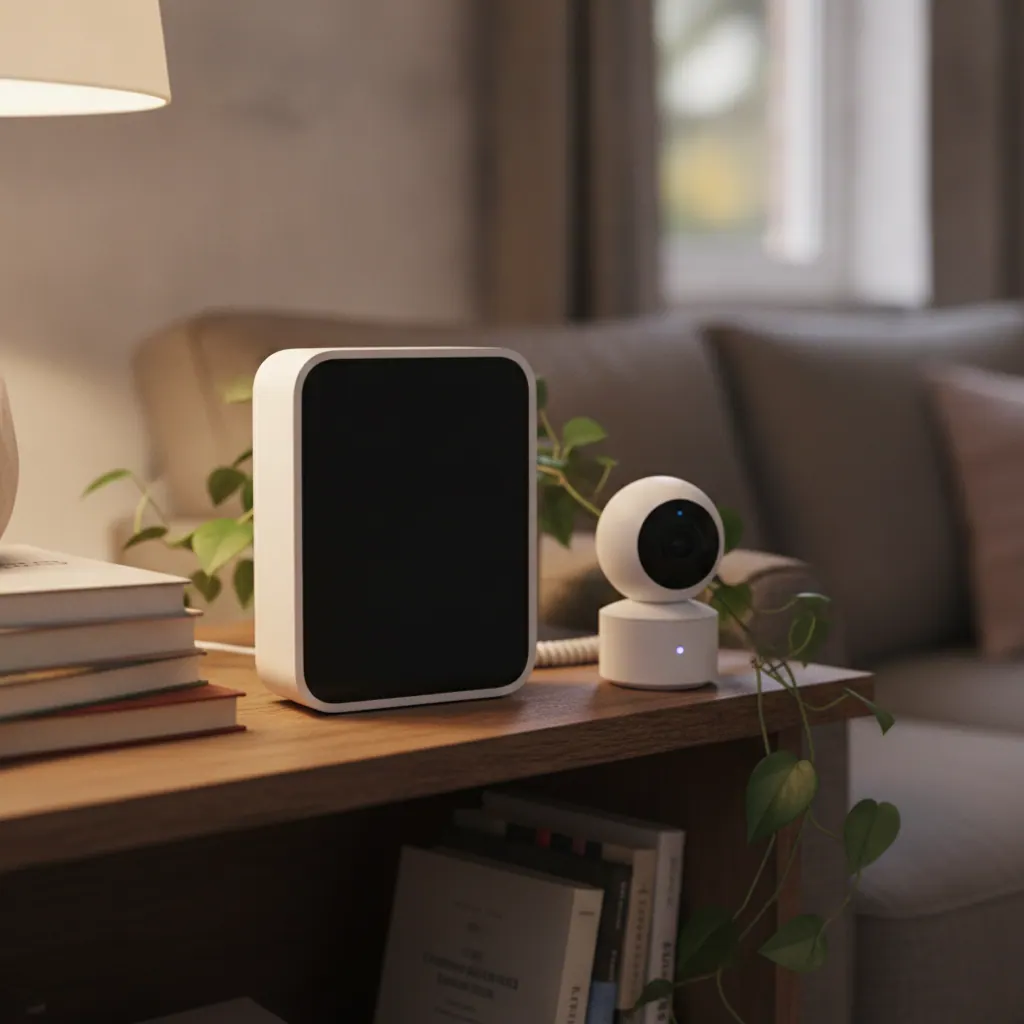
The Tapo C120 does most of what a £150 camera does for around £30–£40 (as of September 2026 — check current price). It is a wired plug-in camera — you need a socket nearby — but it is rated IP66, so it works on a porch, in a shed or indoors. Video is 2K/4MP with colour night vision plus spotlights, and it detects people, pets and vehicles on-device.
Storage is your own microSD card (up to 512GB) or a Tapo hub, and the free plan keeps local recording, AI detection, activity zones and two-way audio. Tapo Care Premium — £2.99/mo or £29.49/yr, up to 10 cameras (as of September 2026) — only adds 30-day cloud history and richer alerts, so skipping it costs you little. The trade-offs are an average app, plastic build and no battery option. For a cheap second entrance or an indoor space, nothing beats it; the pan-and-tilt Tapo C220 does similar indoors for less.
Pros
- 2K, colour night vision and AI detection for around £35
- IP66 — genuinely usable outdoors as well as in
- Free plan keeps recording and AI; Tapo Care is optional
- One microSD card is the only extra cost
Cons
- Wired only — needs a socket within reach
- App and build feel budget
- No off-site backup on the free plan
Reolink Elite Floodlight (Wired) — best wired outdoor camera
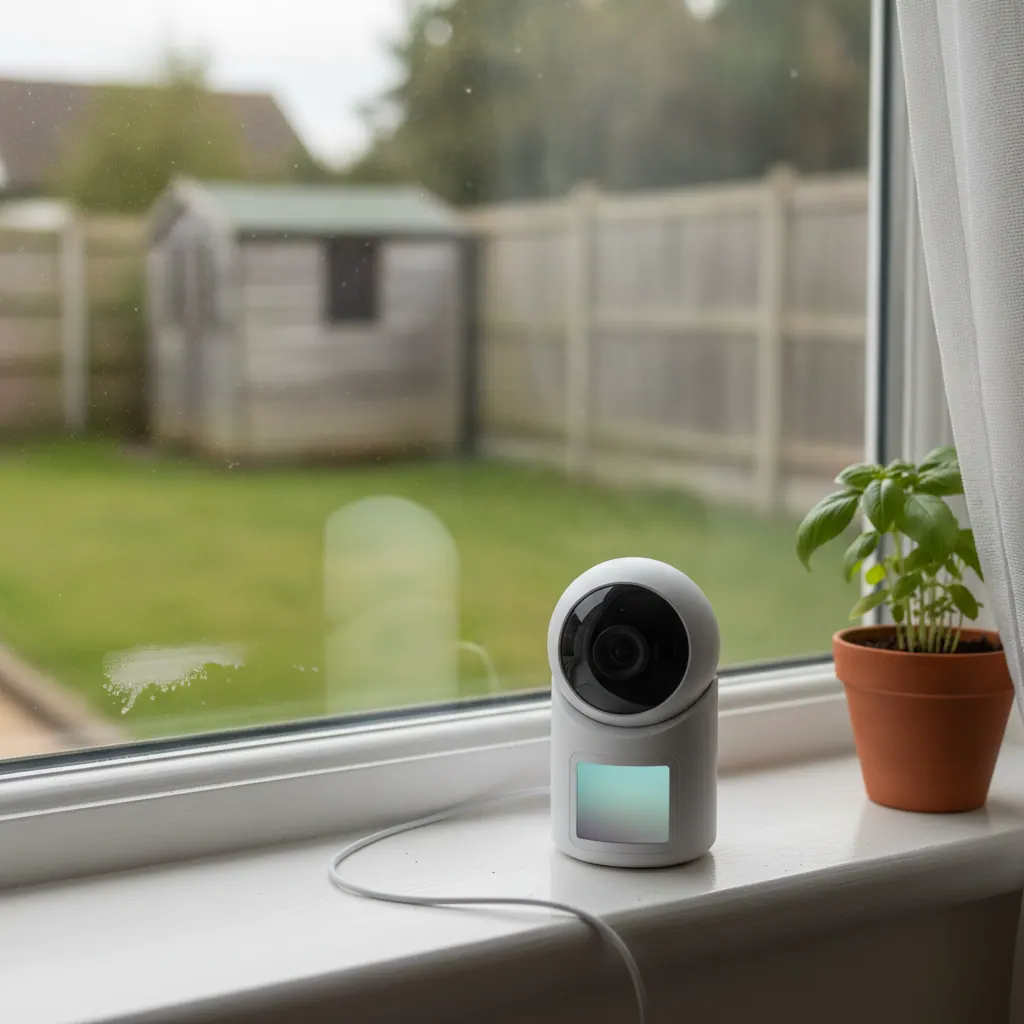
Where you have mains power outside and want the strongest deterrent, the Reolink Elite Floodlight (Wired) is the pick, at around £180–£190 (as of September 2026 — check current price). It pairs a 4K camera with a bright integrated floodlight, so movement triggers a recording and a wash of light — the thing that actually makes someone leave. Colour night vision is good even before the floodlight fires.
Recording is to microSD, a Reolink Home Hub or an NVR, and person, vehicle and animal detection is on-device and free. Reolink’s cloud plan has limited UK availability and you do not need it. Being mains-wired means no winter battery worries. The downsides: a tidy install usually needs an electrician, the app is basic, and it is a single fixed camera — no pan or tilt. For AI without a fee in a battery camera, the Reolink Argus 4 Pro (around £150–£190, UK price worth checking) does 4K dual-lens with a 180-degree stitched view.
Pros
- 4K plus a genuine floodlight — the strongest visual deterrent here
- On-device AI detection, no subscription
- Mains-wired: no winter battery drop-off
- Records to microSD, Home Hub or an NVR
Cons
- Mains install usually means hiring an electrician
- Fixed view — no pan or tilt
- App is basic; some Reolink models are US-only, so check UK stock
Google Nest Cam (battery) — best for renters and no-drill setups
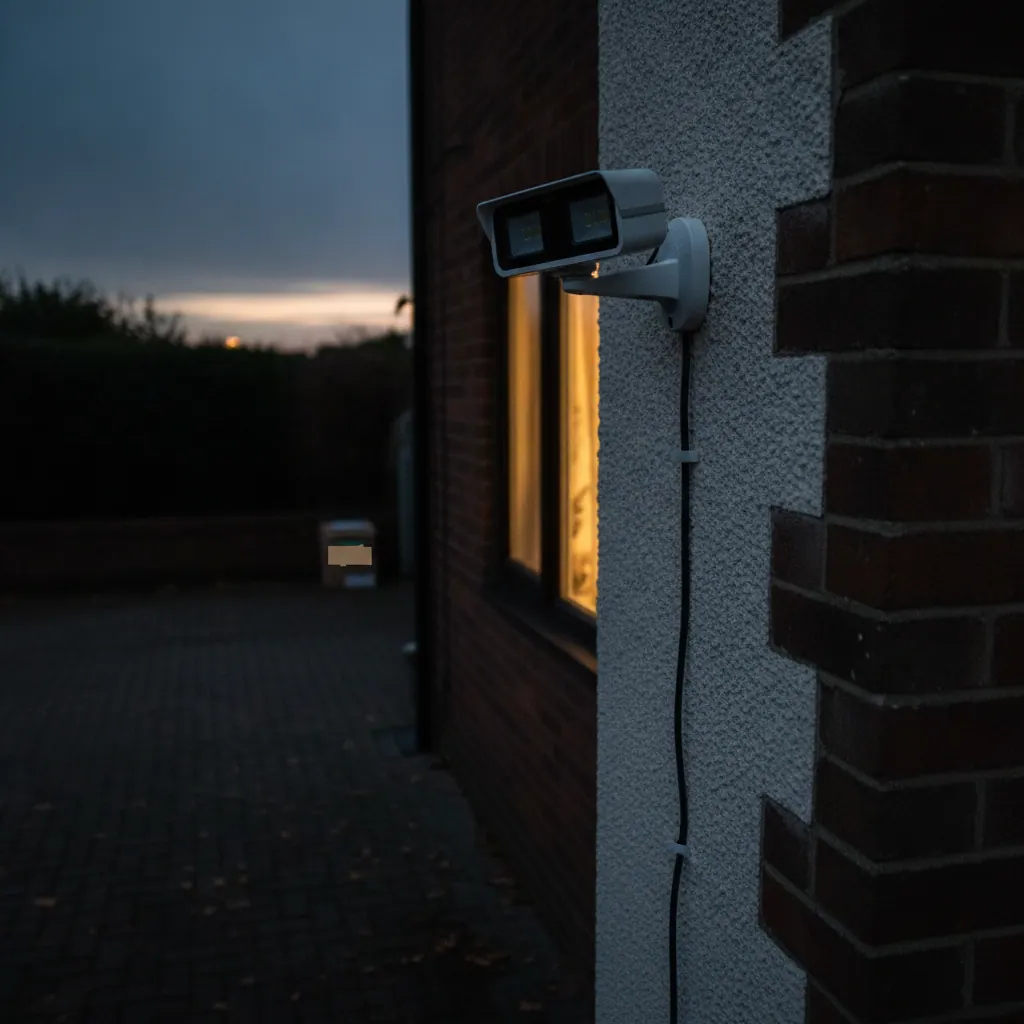
The 2nd-gen Nest Cam (battery) is the pick for renters: the magnetic mount sits on a shelf, clips to a bracket or stands on a windowsill with no drilling, and it moves house with you. Street price is roughly £120–£180 (as of September 2026 — check current price). It shoots 1080p HDR and runs person, animal and vehicle detection on the camera, so alerts are useful even with no plan.
Without a plan you get about 3 hours of rolling event history — enough to check what triggered an alert an hour ago, not enough to review yesterday. Google Home Premium (formerly Nest Aware) is £8/mo or £80/yr for 30-day history (as of September 2026). Resolution is the weak point next to 2K and 4K rivals, and pointing it at a shared hallway puts you into the GDPR territory covered below. For a first smart-home buy, our beginner’s guide to setting up a smart home covers pairing it with a hub.
Pros
- No drilling — magnetic mount, tabletop or clip
- On-device person, animal and vehicle detection without a plan
- Works indoors or outdoors; moves with you when you leave
- Tidy fit with Google Home and Nest doorbells
Cons
- 1080p only — behind 2K and 4K rivals for detail at distance
- Just 3 hours of free history; 30-day history needs the plan
- No local storage option
Blink Outdoor 4 and Blink Mini 2 — best on a budget
Blink is Amazon-owned and built around low prices and long battery life. The Blink Outdoor 4 is a 1080p battery camera rated IP65, with a claimed two-year life on the two AA cells it ships with; a one-camera kit with the required Sync Module is around £65–£90 (as of September 2026 — check current price). The Blink Mini 2 is a £35 wired indoor camera (outdoors with a weather adapter) with a spotlight and person detection.
The limitation: Blink’s person detection and any cloud recording need a plan — Basic £2.50/mo or £24.99/yr, Plus £8/mo or £80/yr (as of September 2026). Without one you still get motion alerts and live view, and can record clips locally with a Sync Module 2 and a USB drive. Picture quality is fine in daylight, less so at range after dark. For a cheap, low-maintenance way to cover a side gate or garage, the value holds up.
Pros
- Among the cheapest cameras that are properly UK-supported
- Two-year claimed battery life on the Outdoor 4
- Local clip storage possible with a Sync Module 2 + USB drive
- Simple setup, tidy in the Alexa app
Cons
- Person detection and cloud clips need a paid plan
- 1080p only — weak at distance after dark
- Local storage needs the pricier Sync Module 2
Arlo Ultra 3 — best AI detection, if you will pay the subscription
The Arlo Ultra 3 has the sharpest picture and smartest detection here — 4K UHD, a 180-degree view, an integrated spotlight and colour night vision, through an Arlo SmartHub. Hardware is around £500–£530 (as of September 2026 — check current price), already the most expensive pick.
Then there is the plan. Without Arlo Secure you get live view, alerts, two-way audio and the siren, plus local recording only if you own an Arlo hub — no cloud, no rich AI. Arlo raised UK prices in 2026: Secure £7.99/mo (one camera, 7-day history), Secure Plus £19.99/mo (unlimited, 14-day), Secure Pro £24.99/mo (30-day), all as of September 2026. Continuous 24/7 recording adds from £12.99 per camera per month. The camera is excellent; its five-year ownership cost is the highest here by a distance. For most of the AI without the fee, the Reolink Argus 4 Pro is the alternative.
Pros
- Best 4K image and widest view in this group
- Most accurate person, vehicle and package detection
- Integrated spotlight and loud siren
Cons
- Most expensive hardware here
- No cloud recording or rich AI without a paid plan
- UK subscription prices rose in 2026
- Highest five-year running cost of any pick
Ring — best if you want a doorbell and cameras in one app
Ring’s strength is the joined-up system: a Ring doorbell, a couple of Stick Up or Outdoor cameras and an Echo display all work as one. Cameras are cheap up front — the Stick Up Cam is roughly £45–£80 (as of September 2026). But no Ring camera or doorbell records a second of video without a plan; without one you get live view and motion alerts only. Plans were renamed in 2026 to Ring Solo (£4.99/mo, one device), Ring Multi (£7.99/mo, all devices at one address) and Ring Pro (£15.99/mo), each with 180-day history — older “Basic/Plus” names still appear on some retail pages, so check current naming. We keep the model-by-model detail in our full guide to the best Ring cameras, and doorbells in our roundup of the best Ring video doorbells.
Pros
- Best doorbell-plus-camera ecosystem, tight Alexa integration
- Cheap hardware up front, wide UK availability
- 180-day video history on every plan tier
Cons
- Records nothing at all without a paid plan
- No local storage option in the UK
- Plan names and prices shifted in 2026 — verify before buying
Security camera subscriptions compared: Ring, Arlo, Nest, Eufy, Reolink, Tapo and Blink
Home security cameras do not all need a monthly subscription. Eufy, Reolink and Tapo record to local storage with no mandatory fee. Ring and Arlo record nothing without a paid plan. Google Nest gives about 3 hours of free history and charges for more. Blink needs a plan for person detection and cloud clips. Here is where each brand stands in September 2026 — re-check current pricing, as several changed this year.
| Brand | Entry plan (Sept 2026) | What you get without a plan |
|---|---|---|
| Ring | Solo ~£4.99/mo; Multi ~£7.99/mo; Pro ~£15.99/mo — 180-day history | Live view and motion alerts only. No video recorded or saved. |
| Arlo | Secure ~£7.99/mo (7-day); Secure Plus ~£19.99/mo (14-day); Secure Pro ~£24.99/mo (30-day) | Live view, alerts, two-way audio, siren. Local recording only if you own an Arlo hub. No cloud, no rich AI. |
| Google Nest | Google Home Premium ~£8/mo or £80/yr (30-day event history) | About 3 hours of rolling event history. On-device person/animal/vehicle alerts still work. |
| Eufy | Optional cloud backup ~£2.99/mo per camera | Full local recording, on-device AI, face recognition. Nothing is lost. |
| Reolink | Optional cloud (limited UK availability) | Full local recording to microSD, Home Hub or NVR. On-device AI free. |
| Tapo | Tapo Care Premium ~£2.99/mo or £29.49/yr (up to 10 cameras, 30-day cloud) | Local microSD recording, AI detection, activity zones, two-way audio. You only lose cloud history. |
| Blink | Basic ~£2.50/mo or £24.99/yr; Plus ~£8/mo or £80/yr | Motion alerts and live view. Local clips only with a Sync Module 2 + USB drive. No person detection. |
The true cost over five years
Hardware is a one-off; a subscription is forever. Over five years a two-camera system costs roughly £510 in subscription alone on Ring’s mid plan, and can reach around £1,195 on Arlo’s unlimited plan (illustration from Expert Reviews, 17 August 2026). The same setup on Eufy, Reolink or Tapo local storage costs £0 a year to run. That gap — well over £1,000 across five years — is the biggest reason to think about storage before brand, and it dwarfs any hardware price difference between the cameras themselves.
| Approach | Example kit | Roughly what 5 years of storage costs |
|---|---|---|
| Local storage, no fee | Eufy SoloCam / EufyCam, Reolink, Tapo | £0 ongoing |
| Cloud, mid plan | Ring, 2 cameras, Multi plan | ~£480–£520 |
| Cloud, premium plan | Arlo, 2 cameras, Secure Plus | ~£1,100–£1,200 |
| Cloud, standard plan | Google Nest, Home Premium | ~£400–£480 |
Wired vs battery vs solar — and indoor vs outdoor
Wired cameras are the most reliable and never need charging, but they must go where power is. Battery cameras go anywhere and install in minutes, at the cost of a ladder trip to recharge every few weeks to months. Solar extends battery life but does not reliably replace mains charging through a British winter. Match the power type to the spot before you look at specs.
Wired cameras
Best for a permanent spot near a socket or lighting circuit — a porch, a driveway with an outside light, a garage. They can record continuously, never drop out for a flat battery, and usually cost less than an equivalent battery model. The price is install effort: a neat outdoor job often means an electrician. Reolink and Tapo both do strong wired cameras.
Battery cameras
Best for renters, awkward corners, and anywhere you cannot run a cable — one bracket or a magnetic mount and you are done. The trade-off is maintenance: a camera rated for four months per charge in summer can need a top-up every six to eight weeks in December. A removable or spare battery keeps the camera online while one charges.
Solar cameras in a UK winter
At this latitude a solar panel is a battery extender, not a mains replacement. In June a south-facing panel can keep a camera topped up indefinitely. In December and January, with short days and weak sun, it only slows the drain — a busy camera may still need a mains charge once or twice over winter. Panels on a north-facing wall, or shaded by a fence or tree, barely help. Angle toward the midday sun and keep the panel clean.
Indoor vs outdoor
Outdoor cameras need an IP65 or IP66 rating and ideally a spotlight for colour night vision. Indoor cameras can be cheaper and smaller, but point them at entry points and shared spaces, not private rooms — and tell anyone who lives with you or visits often that the camera is there. A physical privacy shutter (the Ring Indoor Camera has one) is worth having indoors.
Do you need a hub? Standalone Wi-Fi cameras vs HomeBase and SmartHub systems
You do not need a hub for one or two cameras — standalone Wi-Fi cameras like the Eufy SoloCam S340, Tapo C120 or Ring Stick Up Cam connect straight to your router. A hub earns its place once you run three or more cameras, or want free local storage with real capacity and on-device AI across the whole system.
A hub (Eufy HomeBase, Arlo SmartHub, Reolink Home Hub) does three things: gives the cameras a steadier radio link than each fighting for the router; holds a large local recording archive in one place; and runs the AI and face recognition locally, so there is no cloud fee. The downsides are an extra box to house and power, and lock-in — a Eufy HomeBase only works with Eufy cameras. Heading for a four-camera whole-home setup? Start with a hub. Just the front door and back gate? Skip it.
Do home security cameras actually deter burglars?
A visible camera or video doorbell does reduce your risk. University of Manchester research, cited across UK security reporting in 2026, found homes with a visible video doorbell had around 28% fewer attempted break-ins than comparable homes with no visible deterrent. Recorded burglary in England and Wales has also kept falling — ONS figures put it well below its early-2000s peak, with recent releases showing further year-on-year drops. Around 1 in 5 UK adults now have CCTV, and a similar share have a video doorbell (Consumer Intelligence, 2026).
A camera records and alerts; it does not intervene. For a response as well as a recording — a monitoring centre that can call keyholders or police — you want a professionally monitored alarm system, and our guide covers DIY vs monitored alarm systems UK buyers can choose between. Many homes run both: cameras for evidence and reassurance, an alarm for the actual break-in.
Home security cameras and the law: ICO rules, your neighbour and doorbell audio
If your cameras only capture images and audio within the boundary of your own property — your house and garden — UK GDPR and the Data Protection Act 2018 do not apply to you. This is the “householder exemption”. The moment a camera captures anything beyond that boundary — a neighbour’s garden, a shared driveway or hallway, the public pavement or street — data protection law applies and you become a data controller with legal duties. Most front-door and driveway cameras catch some pavement, so most buyers fall into the second group. (Source: ICO, “Home CCTV systems”, page dated 9 September 2026; the guidance is under review following the Data (Use and Access) Act 2025.)
Your responsibilities if the camera films beyond your boundary
- Have a clear, justifiable reason for the camera — protecting your property counts.
- Capture as little as possible outside your land — use the camera’s privacy zones or masking to blank out a neighbour’s windows and as much pavement as you can.
- Put up a sign saying CCTV is in operation.
- Store footage securely and limit who can see it.
- Delete footage on a schedule — a 7 to 30-day auto-delete is sensible; do not hoard it.
- Respond to a subject access request: if someone you have filmed asks for footage they appear in, you normally must provide it within one calendar month.
- If someone objects to being recorded, stop recording them unless you have a strong reason (genuine crime prevention) to continue — and be able to show you considered the objection.
Doorbell audio is the biggest risk
The ICO treats audio as more intrusive than video. Most domestic setups have no good reason to record the conversations of people walking past, so audio should usually be turned off, or limited to your own doorstep. Nearly every video doorbell records sound by default — turn it down or off in the app unless you have a specific need for it.
Fairhurst v Woodard — the case that set the tone
In Fairhurst v Woodard [2021], Oxford County Court, a neighbour’s Ring doorbell and security cameras were found to breach the Data Protection Act 2018 and UK GDPR, and to amount to harassment under the Protection from Harassment Act 1997. The judge found the doorbell’s microphone captured audio well beyond the owner’s property and that processing it was unlawful. Widely reported potential liability was around £100,000. It is the landmark UK domestic-camera case, and it is why the audio and privacy-zone points above matter.
If it is your neighbour’s camera pointing at you
The ICO’s first step is to talk to the owner: ask why they have it, whether they use privacy filters, and whether it can be repositioned. The ICO cannot remove or move a camera, get footage for you, or take court action on your behalf. Harassment is a police matter; unresolved data concerns go to the ICO. If you rent, get written landlord permission before installing anything and keep cameras off communal areas.
Which home security camera should you buy?
Match the pick to your situation. Most people are in one of these five groups.
If you just want one camera on the front door or drive
Get the Eufy SoloCam S340: one unit covers the whole drive, records 3K locally with no fee, and the solar panel keeps ladder trips down most of the year. If there is a socket nearby and you want maximum deterrence, the wired Reolink Elite Floodlight instead. New to this? Our beginner’s guide to setting up a smart home covers the first steps.
If you are renting
Get the Google Nest Cam (battery) or a Blink Mini 2 on a shelf or windowsill — no drilling, and they move with you. Keep them on your own door and windows, not a shared hallway or a neighbour’s flat, and get written landlord permission first.
If you are kitting out a whole house
Build on the EufyCam S3 Pro kit with a HomeBase: 4K on every camera, face recognition and storage handled locally, and no subscription however many cameras you add. Budget around £380–£420 for the two-camera kit, roughly £229 per extra camera (as of September 2026).
If you are spooked after a break-in or repeated parcel theft
Prioritise a fast, visible deterrent and avoid a surprise monthly bill. A wired Reolink Elite Floodlight at the main approach plus a Tapo C120 on a second entrance covers you for well under £250, with £0 ongoing. Add an alarm if you want a monitored response too.
If you already own Alexa or Google Nest
An Alexa household that wants a doorbell and cameras in one place should look at Ring — knowing you need a plan for any recording; read our full guide to the best Ring cameras first. A Google Home household is better served by Nest Cam units, in the same app as a Nest doorbell. Neither offers local storage in the UK, so factor the plan in.
How to position a home security camera
Placement decides whether footage is useful evidence or a blurry shape. Work through these steps before you drill anything.
- Cover entry points first: front door, back door, side gate, driveway, ground-floor windows out of sight of the road.
- Mount at about 2.5 metres — high enough to be out of easy reach, low enough to catch faces rather than the tops of heads.
- Angle down and toward your own property, so the frame is filled by your door or drive, not the street.
- Turn on privacy zones to blank out any neighbour’s window, garden or door, and as much pavement as you can.
- Avoid pointing straight at a low winter sun or a bright security light — both wash out the image; face the camera away from them.
- Check the Wi-Fi signal at the mounting spot before fixing the bracket; move a mesh node or add an access point if it is weak.
- Turn audio off, or limit it to your doorstep, unless you have a specific reason to record it.
- Set footage to auto-delete after 7 to 30 days and put up a CCTV sign if the camera sees beyond your boundary.
FAQ
Do home security cameras need a monthly subscription?
Home security cameras do not all need a subscription. Eufy, Reolink and Tapo record to a microSD card or a hub at home with no mandatory fee, and run AI person detection on the device for free. Ring and Arlo are the opposite — neither saves any video without a paid plan. Google Nest gives about 3 hours of free history and charges for more. Check the storage model first; it decides your running cost more than the sticker price does.
Which home security camera is best with no monthly fee?
The Eufy SoloCam S340 is the best no-fee camera for most UK homes: 3K video, on-device person detection and 8GB of built-in local storage for around £115–£130 (as of September 2026). For a whole-house system with no fee, the EufyCam S3 Pro kit records 4K locally to a HomeBase. The cheapest no-fee option is the Tapo C120 at roughly £30–£40 with your own microSD card. Reolink cameras also record locally with free on-device AI.
Can my neighbour point a security camera at my house in the UK?
A neighbour can have a camera, but once it captures your property or a shared space they become a data controller under UK GDPR and the Data Protection Act 2018. They must have a genuine reason, use privacy zones, put up a sign, keep footage secure, delete it regularly, and give you footage you appear in within one calendar month if you ask. The ICO says talk to them first; harassment is a police matter, and unresolved data concerns go to the ICO.
Is it legal to record audio on a home security camera or video doorbell in the UK?
Audio recording is legal within your own boundary, but the ICO treats audio as more intrusive than video and says most domestic setups have no good reason to record passers-by. On a video doorbell, which by default picks up sound from the pavement, you should turn audio off or limit it to your doorstep. In Fairhurst v Woodard [2021] a neighbour’s Ring doorbell was found unlawful partly because its microphone captured audio well beyond the owner’s property.
Do security cameras work without Wi-Fi or without internet?
Cameras that record locally — Eufy to a HomeBase, Reolink or Tapo to a microSD card or an NVR — keep recording if your internet drops, though you cannot view a live feed remotely until it is back. Cloud-only cameras like Ring and Arlo stop recording with no internet. A fully offline setup is possible with a wired camera and an NVR, no app and no cloud at all.
Are wireless battery security cameras better than wired ones?
Battery cameras are better for renters, awkward spots and quick installs, with no cabling and near-anywhere placement. Wired cameras are better for reliability and a permanent position near power — they never go offline for a flat battery and can record continuously. In a UK winter, battery run time drops in the cold, so wired is the safer choice for a spot you cannot easily reach with a ladder.
Do I need to put up a CCTV sign for a home camera or doorbell?
A CCTV sign is required if your camera captures anything beyond your property boundary — a pavement, road, shared driveway or a neighbour’s land — because data protection law then applies to you. If the camera only sees your own house and garden, the householder exemption applies and a sign is not legally required, though it still deters. Most front-door and driveway cameras catch some pavement, so a small sign is sensible.
How much does a home security camera cost to run per year?
A local-storage camera from Eufy, Reolink or Tapo costs about £0 a year to run after purchase, plus a few pence of electricity for a wired model. A cloud camera costs the price of its plan: roughly £60/yr on Ring’s single-device plan, £96/yr on Ring Multi, £80/yr on Google Home Premium, and £96–£300/yr on Arlo Secure depending on tier. Over five years that is the difference between nothing and £400–£1,200 for a two-camera setup.
Ready to buy? Check the current price on our main picks before you decide — security-camera pricing changes constantly and “was/now” offers run most of the year.
How we make money: TheTechVector earns a commission if you buy through links on this page, at no extra cost to you. It never changes which products we recommend or where they rank — our picks come from independent research into price, picture quality, storage and running cost. Prices are checked before publishing but change often; confirm the current figure on the retailer’s site before you buy.

Written by Vaibhav Kulkarni
Vaibhav is the founder and technical editor of TheTechVector, with 15 years’ experience in quality engineering and software testing. He applies that background to auditing spec sheets, comparing price-to-performance, and checking hardware compatibility across our UK broadband, laptop, VPN, and smart home guides. All prices are checked before publication — if something’s out of date, let us know.
This site contains affiliate links to products. We may receive a commission for purchases made through these links.
