
Affiliate disclosure: TheTechVector earns a commission if you sign up via links on this page, at no extra cost to you. Our recommendations are based on independent research — we are not paid to favour any provider. Learn more about how we make money.
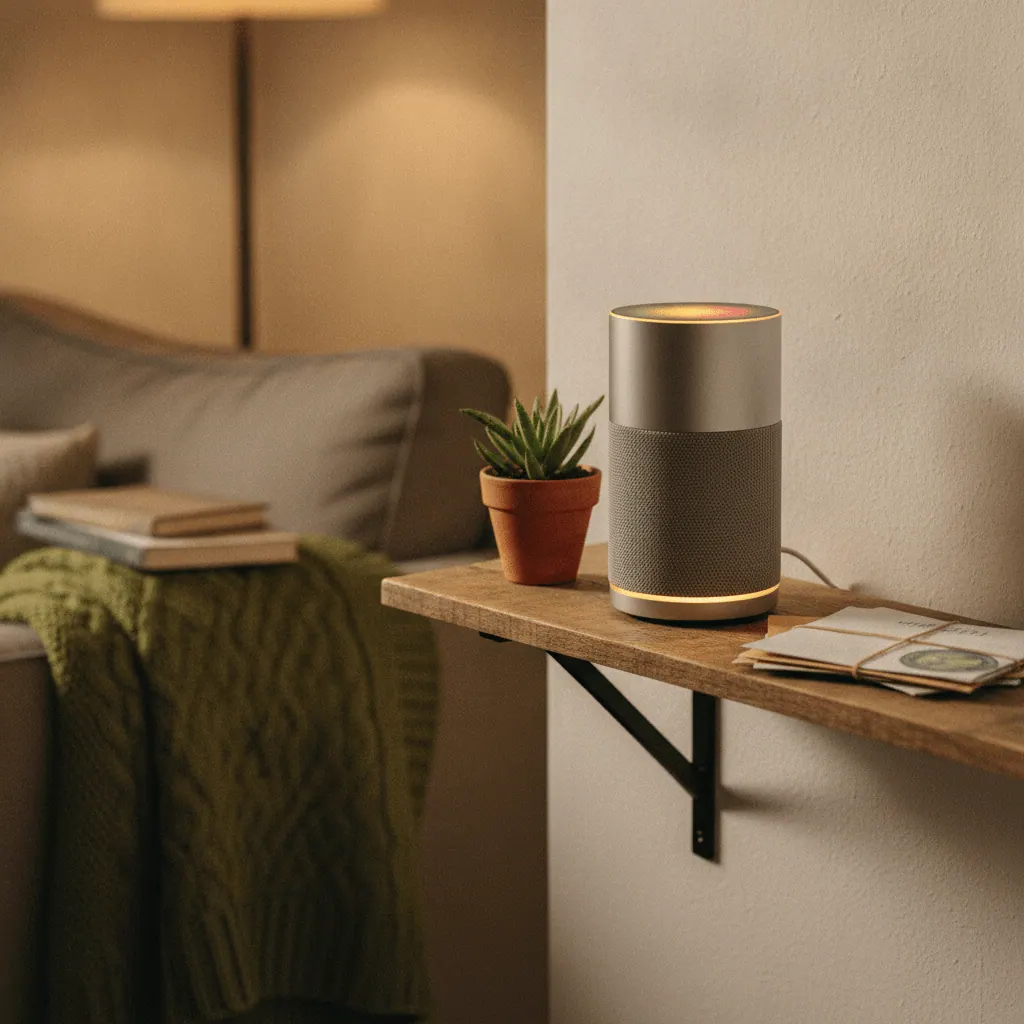
Working out the best smart home hub UK shoppers can actually build a setup around comes down to one real decision: how much control do you want, and how much time are you willing to spend getting it? Amazon Echo, Google Home, Samsung SmartThings and Home Assistant all promise to tie your smart plugs, bulbs, locks and cameras together into one place — but they get there in genuinely different ways, with different costs and learning curves. This guide compares all four head-to-head, with real UK prices and dated sources, so you can pick the one that fits how you actually live.
Last updated: September 2026
Our top pick is the Amazon Echo Hub at ~£170 — a wall-mounted control panel with a built-in Zigbee radio (no separate bridge needed) and the widest device compatibility of any hub here.
Check Price on Amazon →
What Does a Smart Home Hub Actually Do?
A smart home hub is the piece of hardware (or, in Home Assistant’s case, software) that lets devices from different brands — a TP-Link smart plug, a Philips Hue bulb, a Ring doorbell — talk to each other and to you, usually through one app or one voice command. Without a hub, each brand’s gadget only works inside its own separate app, and none of them can trigger one another.
Hubs bridge different wireless protocols. Wi-Fi is the one most people already have. Zigbee and Z-Wave are lower-power, dedicated smart home radios that most Wi-Fi routers can’t speak directly, which is why plugs, bulbs and sensors often need a translator device. Thread is a newer, Zigbee-like protocol for the latest kit, and Matter is the industry-wide standard meant to let devices from any brand work with any hub — by late 2026 all four platforms here support it to some degree, though “support” varies from full compatibility to a handful of certified device types.
Some hubs, like Amazon’s Echo devices and Google’s Nest Hub, are built into a voice speaker or smart display and lean heavily on the cloud. Others, like a SmartThings/Aeotec hub or Home Assistant, put more weight on local control, so your lights still work if your broadband goes down. New to all this? Our beginner’s guide to setting up a smart home walks through the basics first.
Quick Comparison: Echo vs Google vs SmartThings vs Home Assistant
Amazon Echo is the easiest of the four to set up and the best starting point if you want voice control without any fuss. Home Assistant is the most flexible and the only one that’s genuinely free software, but it asks the most of you technically. Here’s how all four stack up at a glance, ranked by our editorial rating.
| Hub | Rating | Price | Deal |
|---|---|---|---|
| Amazon Echo Hub | 8.5/10 | ~£170 (Sept 2026) | View Deal |
| Home Assistant Green | 8.0/10 | ~£95 (Aug 2026) | View Deal |
| Google Nest Hub | 7.8/10 | ~£65 (Sept 2026) | View Deal |
| Aeotec Smart Home Hub (SmartThings) | 7.4/10 | ~£130 (Sept 2026) | View Deal |
TheTechVector Rating is our own editorial score out of 10 (not a survey or third-party source) weighing price, device-compatibility breadth, reliability and ease of setup for each platform, based on the analysis in this article — see our editorial policy.
Best for Beginners★ 8.5
Amazon Echo Hub
Voice-first, cheap entry point, works with more third-party devices than any other platform in this guide.
~£170/one-off (Echo Hub) — Echo Dot from ~£35
Best for Google Households★ 7.8
Google Nest Hub
Best if your phone, calendar and photos already live in the Google ecosystem — Assistant ties it all together on one screen.
~£65/one-off (Sept 2026)
Widest Device Compatibility★ 7.4
Samsung SmartThings (Aeotec Hub)
The only hub here with built-in Z-Wave as standard, alongside Zigbee, Wi-Fi and Matter — good if you already own Z-Wave kit.
~£130/one-off (Sept 2026)
Most Flexible & Free Software★ 8.0
Home Assistant (on Home Assistant Green)
Free, open-source software with 1,000+ built-in integrations and full local control — the trade-off is a steeper setup curve.
~£95/one-off (Aug 2026)
Amazon Echo / Alexa — Best for Easy, Voice-First Setup
Amazon Echo is the fastest way into a smart home for most UK households, and it’s still the cheapest entry point here — a basic Echo Dot has been reported from ~£35 (as of August 2026), while the dedicated Echo Hub control panel runs at ~£170 (as of September 2026). Setup is entirely app-guided: plug it in, open the Alexa app, and most Zigbee devices pair automatically because newer Echo speakers and the Echo Hub have a Zigbee radio built in — no separate bridge needed for a Philips Hue or Tapo starter kit.
Amazon has said Alexa works with tens of thousands of devices from thousands of brands, and in practice that breadth is real — almost every plug, bulb or sensor sold in a UK supermarket lists Alexa compatibility on the box. Reliability is generally strong, though Alexa leans on Amazon’s cloud for most commands, so a rare outage can briefly stop voice control even though your lights are still physically fine. For a feature-by-feature look, our full Amazon Echo vs Google Nest comparison goes deeper than we can here. The Echo Hub also doubles as a viewer for Ring cameras if you’re leaning into Amazon’s ecosystem for home security.
Pros
- Cheapest entry point of the four platforms
- Built-in Zigbee radio on newer Echo devices — no separate bridge
- Widest third-party device support in the UK market
- Easiest app-guided setup, no technical knowledge needed
Cons
- No Z-Wave support at all
- Heavily cloud-dependent — voice control can drop during an outage
- Locked into Amazon’s ecosystem and app
Google Home / Nest — Best for Google Households
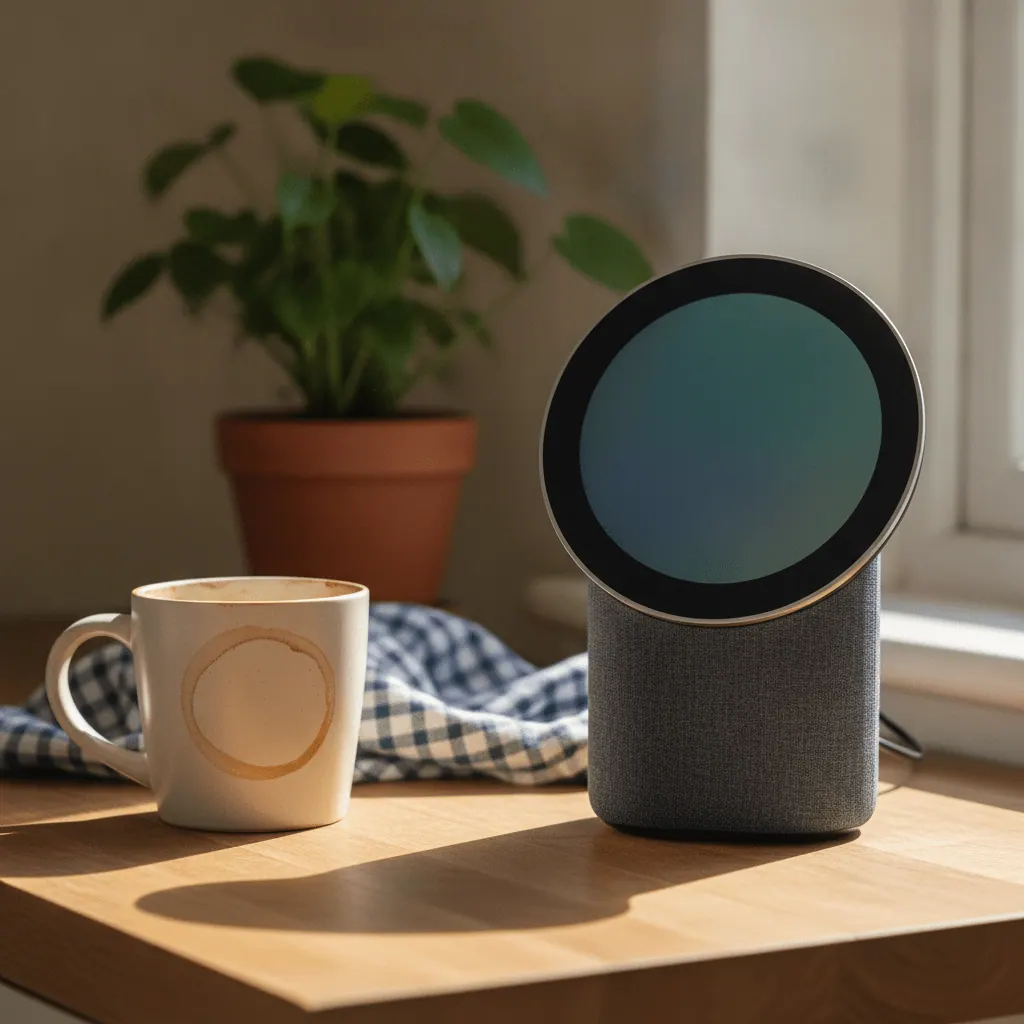
Google Home is the natural pick if your phone, calendar and photos already live inside Google’s ecosystem. The Nest Hub (2nd gen) has been widely reported around ~£65, but it’s discounted often enough that reported UK prices range from roughly £59 up to £199 for bundled variants (as of September 2026). Setup runs through the Google Home app, and once a device shows “Works with Google Home” or is Matter-certified, pairing is usually a two-minute job.
Google’s own compatible-devices page lists its full roster of partner brands, and a commonly repeated figure puts compatible device support in the thousands, though we couldn’t trace that to a single dated Google statement — treat it as directional. Google Home’s device catalogue is slightly narrower than Alexa’s in the UK, particularly for budget own-brand plugs and sensors, but its Nest Hub display and Google Assistant voice recognition are real advantages if your phone is already Android. Google Home also lacks a built-in Zigbee radio, so most Zigbee bulbs and sensors need a separate bridge or a Matter-certified equivalent. For a deeper side-by-side, our full Amazon Echo vs Google Nest comparison covers voice quality and display features in more detail than fits here.
Pros
- Best choice if you’re already deep in the Google ecosystem
- Strong Google Assistant voice recognition
- Nest Hub screen doubles as a photo frame and calendar display
Cons
- No built-in Zigbee radio — needs a separate bridge for most Zigbee kit
- Slightly narrower device catalogue than Alexa in the UK
- Pricing varies a lot depending on promotion and bundle
Samsung SmartThings — Best for Wide Device Compatibility (and the Aeotec Hardware Reality)
Samsung SmartThings is the pick for anyone who wants the widest mix of protocols in one box, including Z-Wave — which neither Echo nor Google Home supports. The physical hub UK buyers purchase today is Aeotec-branded, not Samsung-branded: Samsung stopped manufacturing SmartThings hub hardware in 2020 and licensed production to Aeotec. The app and cloud platform stay Samsung’s, but the box on the shelf reads “Aeotec Smart Home Hub” and supports Zigbee, Z-Wave, Wi-Fi and Matter. Prices for the Aeotec Smart Home Hub V3 have been reported from £120 to £140 — expect roughly ~£130 (as of September 2026).
A commonly cited figure puts SmartThings-certified device support at around 1,200+ devices from hundreds of brands, though we couldn’t pin that to a dated official Samsung source — treat it as a rough estimate. Samsung also sells a SmartThings Station, a smaller charging-pad-style hub for Galaxy phone owners, with UK prices reported from ~£69 to ~£149. The SmartThings app feels more cluttered than Alexa’s or Google’s, but for anyone who already owns Z-Wave locks, sensors or thermostats, it’s the only mainstream hub here that speaks that protocol natively.
Pros
- Only mainstream hub here with native Z-Wave support
- Broad protocol coverage: Zigbee, Z-Wave, Wi-Fi and Matter in one box
- Good option if you’re combining kit from several previous smart home attempts
Cons
- Most expensive of the four out of the box
- App can feel cluttered compared with Alexa or Google Home
- Confusing branding — the hub is Aeotec hardware, not Samsung hardware
Home Assistant — Best for Full Control, Free Software You Host Yourself
Home Assistant is free, open-source software you run yourself, and it has more built-in integrations than any other platform here — home-assistant.io’s own product page states more than 1,000 built-in integrations (as of September 2026), while two UK competitor reviews separately cite a higher, unattributed “3,000+” figure. Either way, it’s the widest net of any hub in this guide. The trade-off is real: this isn’t an app-guided ten-minute setup — you’re installing software, configuring integrations and building automations yourself, and the first weekend will feel genuinely harder than plugging in an Echo.
Because it’s self-hosted, Home Assistant runs entirely locally by default — no cloud dependency, no subscription required, though an optional Nabu Casa Cloud add-on (roughly ~£6.50/mo) gives you remote access and voice control away from home. If the setup curve puts you off, our beginner’s guide to setting up a smart home covers the simpler Echo/Alexa route instead. For a full picture of platform running costs, see our smart home cost breakdown.
Home Assistant hardware: Green vs the discontinued Yellow vs DIY Raspberry Pi
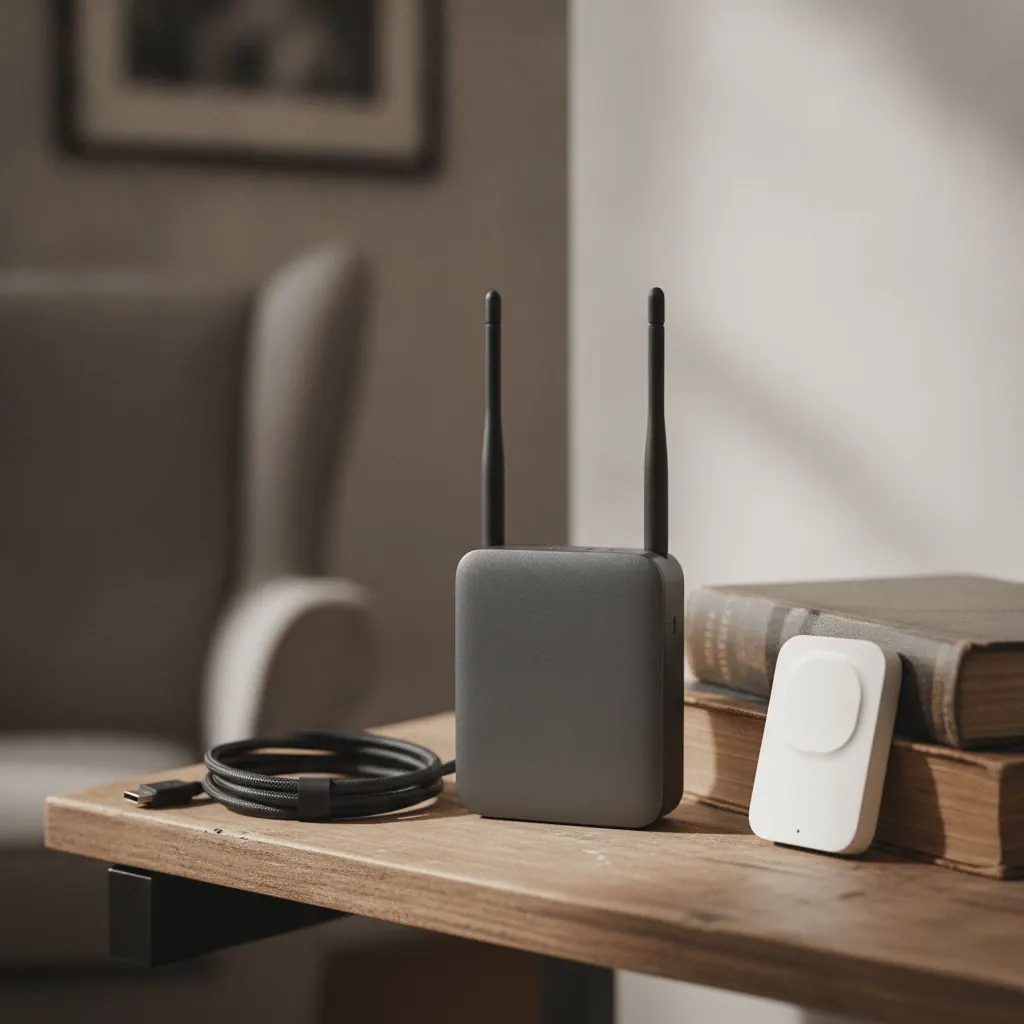
Home Assistant Green is the official, plug-and-play way in — official pricing is $199 USD / €179 (home-assistant.io, fetched September 2026), and UK sources put the real-world price at roughly ~£95 (as of August 2026). It arrives with the software pre-installed, and it’s the option we’d point most readers to. Home Assistant Yellow, the previous official hardware, is now discontinued — Home Assistant’s own site confirms it’s been superseded by Green (as of September 2026). Don’t buy it new if you find old stock; its one advantage was a built-in Zigbee radio and NVMe SSD slot, which Green lacks, but that’s moot now it’s out of production.
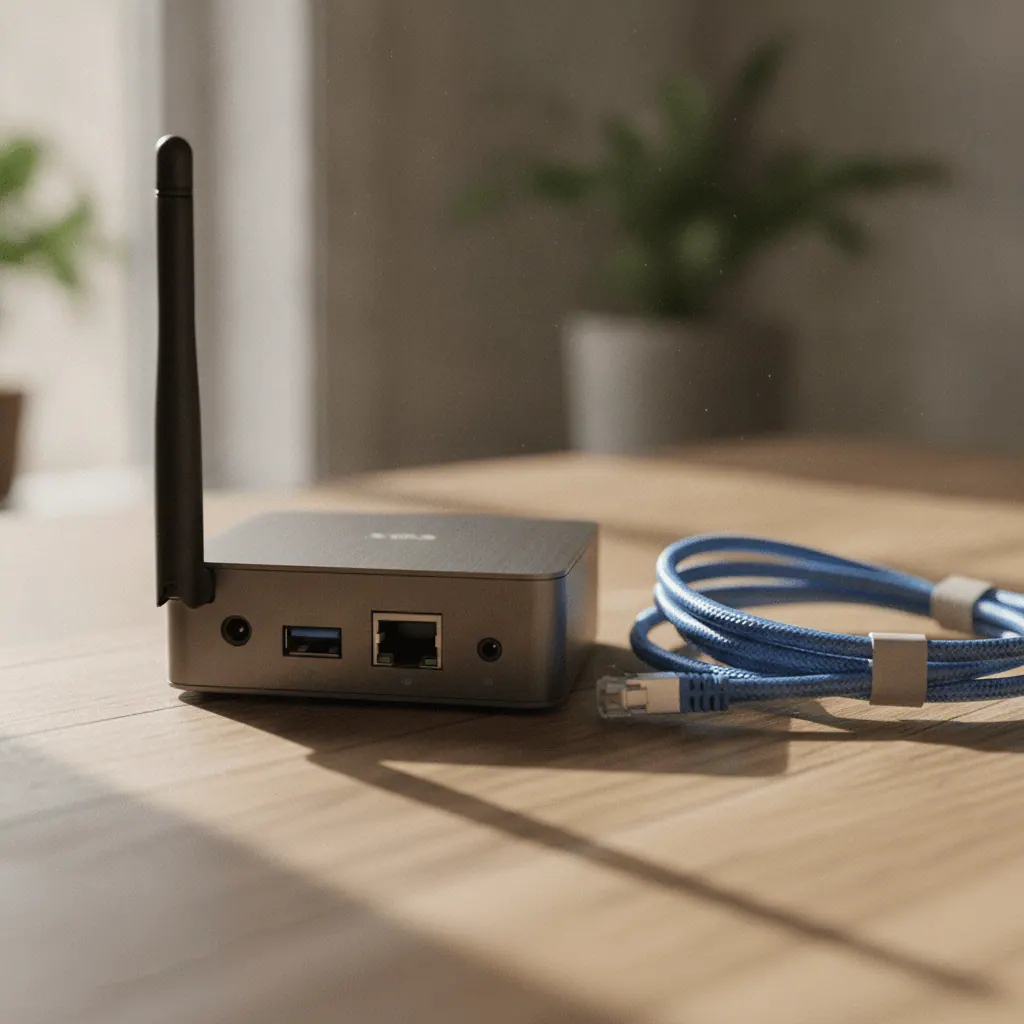
A DIY Raspberry Pi build is the classic power-user route, but run the numbers first. A bare Raspberry Pi 5 (4GB) alone costs roughly £60–65, and once you add a case, power supply and a microSD card, a basic kit runs approximately £90–110 — SSD-based kits run £150–220 (UK retailer estimates, September 2026). Unless you already own a spare Pi, a fresh build isn’t reliably cheaper than Home Assistant Green outright, and Green skips the SD-card-corruption headaches a Pi can develop. Running it on wired Ethernet? Check whether your router can handle a smart home hub with enough free ports.
Whichever box you choose, you’ll also need a Zigbee/Thread USB dongle, since neither Green nor a plain Pi has a radio built in. The current official option is the Home Assistant Connect ZBT-2, $49 USD / €45 officially, with UK prices commonly reported around ~£35 (as of September 2026) — it replaces the discontinued SkyConnect dongle (Connect ZBT-1), so don’t buy that one new. Green plus ZBT-2 together lands at roughly ~£130 (as of September 2026) — a useful “total cost to get started” figure most competitors skip, quoting the hub price alone. This article skips the full install walkthrough — Home Assistant’s own getting-started guide covers that and stays current as the software updates.
Pros
- Free, open-source software — no subscription required for basic use
- 1,000+ built-in integrations, the widest of any platform here
- Fully local control by default — no cloud dependency
- No vendor lock-in to a single brand’s ecosystem
Cons
- Steepest setup curve of the four platforms by far
- Needs separate hardware (hub plus a Zigbee/Thread dongle)
- No official phone support line — community forums are the main support channel

Full Comparison: Prices, Protocols and Support
Beyond the headline price, the real differences come down to which protocols each platform speaks natively and how much runs locally versus in the cloud.
| Platform | Starting price | Protocols | Local control | Best for |
|---|---|---|---|---|
| Amazon Echo Hub | ~£170 (Echo Dot from ~£35) | Wi-Fi, Zigbee, Thread, Matter — no Z-Wave | Partial — voice relies on the cloud | Beginners wanting the simplest setup |
| Google Nest Hub | ~£65 (varies with promotions) | Wi-Fi, Thread, Matter — no native Zigbee radio | Partial — voice relies on the cloud | Existing Google/Android households |
| Aeotec Smart Home Hub (SmartThings) | ~£130 | Wi-Fi, Zigbee, Z-Wave, Matter | Mostly local, some cloud features | Mixed-protocol households, Z-Wave owners |
| Home Assistant (Green + ZBT-2 dongle) | ~£130 total starter bundle | Wi-Fi, Zigbee, Thread via dongle; Z-Wave via add-on dongle; Matter | Fully local by default | Technical users wanting maximum control |
Prices are directional UK estimates with the source month noted — always check the live retailer price before buying. TheTechVector Rating above is our own editorial score, not a third-party benchmark — see our editorial policy.
Which Smart Home Hub Should You Choose?
The right choice depends less on which hub is “best” overall and more on what you already own and how much setup time you’re willing to spend. Here’s how we’d point four common types of buyer.
You already own Echo devices
Stick with Amazon Echo. Adding a dedicated Echo Hub or another Echo speaker to an existing Alexa setup is the path of least resistance, and you’ll keep the routines and voice recognition profiles you’ve already built up.
You want zero subscription and don’t mind tinkering
Home Assistant on a Home Assistant Green is the clear pick. It’s free software with no mandatory subscription, and local control means it keeps working even if a company’s cloud servers go down. Budget a weekend for setup and expect to lean on the community forums early on.
You want the simplest possible setup
Amazon Echo or Google Home, depending on which phone ecosystem you’re already in. Both are app-guided from box to first automation in under half an hour, with no configuration files or dongles involved.
You already have Z-Wave devices
Samsung SmartThings (the Aeotec hub) is the only mainstream option here that speaks Z-Wave natively out of the box. Home Assistant can also support Z-Wave, but it needs an additional dongle on top of the Zigbee/Thread one, pushing the total cost and setup complexity higher.
How to Get Your Smart Home Hub Up and Running
Once you’ve picked a platform, the first setup follows roughly the same shape. Here’s the general order.
- Check your router can handle another device, and that you have a free Ethernet port if going wired.
- Download the relevant app — Alexa for Echo, Google Home for Nest, SmartThings for the Aeotec hub. For Home Assistant, follow the official getting-started guide to flash and configure the software instead.
- Plug in and power on your hub, then complete the in-app network setup.
- Add your first device — start with a simple smart plug or bulb to confirm the connection works.
- Build one basic automation, like a scheduled light, to check everything talks to everything else.
- Add remaining devices gradually so it’s easier to spot which one is causing an issue if pairing fails.
Frequently Asked Questions
What is the best smart home hub for the UK in 2026?
Amazon Echo is the best all-round pick for most UK buyers — cheapest to start with and easiest to set up. Home Assistant suits anyone wanting maximum control who doesn’t mind a technical setup, Samsung SmartThings (the Aeotec hub) suits households with existing Z-Wave kit, and Google Home suits Google/Android households. There isn’t one single “best” hub — it depends on what you already own.
Do I need a smart home hub if I already have an Amazon Echo or Google Nest?
An Amazon Echo or Google Nest speaker already acts as a basic hub for Wi-Fi and, on newer Echo models, Zigbee devices — so you may not need anything extra for a simple setup. You’d only need a separate hub like SmartThings or Home Assistant if you own Z-Wave devices, want fully local automations, or want to mix devices from far more brands than Alexa or Google Assistant support.
Which smart home hub works with Matter in the UK?
All four platforms — Amazon Echo, Google Home, Samsung SmartThings and Home Assistant — support Matter to some degree as of September 2026, ranging from broad compatibility to a more limited set of certified device types. Check that a specific device is Matter-certified before assuming it will pair with your chosen hub.
Do I need a smart home hub at all?
Not necessarily — many smart plugs, bulbs and cameras connect directly to your Wi-Fi and work through their own app without any hub at all. A hub becomes useful once you own several devices from different brands and want them to work together, like a motion sensor triggering a light, rather than sitting in separate apps. A dedicated hub also adds cross-brand automation and, with Home Assistant or SmartThings, local control that doesn’t depend on the internet.
Does Matter replace the need for a hub?
No — Matter is a shared language that lets devices from different brands talk to a hub, but you still need something to be the hub. What it changes is that you’re no longer locked into buying only devices marked “works with Alexa” or “works with SmartThings” — a Matter-certified device should work with any Matter-compatible hub, including all four covered here.
Can I run more than one hub at the same time?
Yes, and many households do — an Echo speaker for voice control alongside a Home Assistant setup for local automations is a common combination. The main downside is duplicated device pairing, since some devices need adding to both hubs’ apps separately, plus the added complexity of remembering which hub controls which automation.
Is Home Assistant free?
The Home Assistant software itself is free and open-source, with no subscription required to run and automate your devices. What isn’t free is the hardware you run it on (a Home Assistant Green costs roughly ~£95 as of August 2026, or use a spare Raspberry Pi) and, for remote access and voice control away from home, an optional Nabu Casa Cloud subscription at roughly ~£6.50/mo. For local-only use at home, it genuinely costs nothing beyond the hardware.
Do I need to know how to code to use Home Assistant?
No, not for basic use — Home Assistant has a visual interface for adding integrations and building automations through drop-down menus and triggers, and most common setups (a light that turns on with motion, a plug on a schedule) don’t require writing any code. It does involve more configuration than a fully app-guided platform like Echo or Google Home, which is where the steeper learning curve really comes from.
Does Samsung still make the SmartThings hub?
No — Samsung stopped manufacturing SmartThings hub hardware itself in 2020 and licensed production to Aeotec. The SmartThings app and cloud platform are still run by Samsung, but the physical hub sold today is branded and built by Aeotec (the “Aeotec Smart Home Hub”) — that’s the hardware UK buyers actually get when they buy “a SmartThings hub.”
What happens to my automations if I switch hubs later?
Your automations don’t transfer automatically — each platform stores routines in its own format, so switching from, say, Google Home to Home Assistant means rebuilding them from scratch. Your physical devices usually survive a switch, though Zigbee devices typically need resetting and re-pairing to the new hub, since they only remember one hub’s network at a time. Factor in that rebuild time before committing to a platform.
Ready to Choose Your Smart Home Hub?
Whichever platform fits your household, here are all four hubs in one place.
Prices and availability change often, and this article is checked periodically rather than in real time — always confirm the current price on the retailer’s page before buying. As with all our recommendations, our comparisons and ratings are based on independent research and specification analysis, not on which programme pays the highest commission.

Written by the TheTechVector Team
We research UK broadband, VPN, laptop, and mobile deals so you don’t have to. All prices are checked before publication — if something’s out of date, let us know.
This site contains affiliate links to products. We may receive a commission for purchases made through these links.
