Affiliate disclosure: TheTechVector earns a commission if you sign up via links on this page, at no extra cost to you. Our recommendations are based on independent research — we are not paid to favour any provider. Learn more about how we make money.
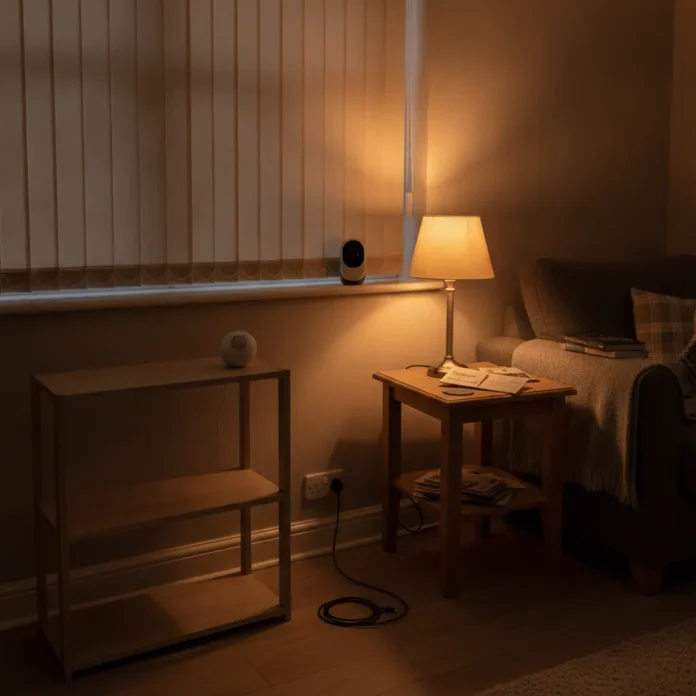
This is your guide to a smart home for renters UK landlords won’t object to — every device below sticks, clips, plugs in or screws into a bulb socket rather than a wall, so none of it puts your deposit at risk. The worry that usually stops renters starting is simple: will any of this cost you money back at the end of the tenancy? The good news is that a genuinely useful smart home — locks, cameras, sensors, lighting, plugs — can be fitted entirely without a drill. This guide covers what’s actually deposit-safe, what your landlord does and doesn’t need to know about, and which specific products do the job in a UK rented flat or house-share.
Last updated: September 2026
Smart Home for Renters UK: Will You Get In Trouble With Your Landlord?
No, not if you stick to devices that don’t alter the fabric of the property. In England and Wales, your landlord is legally required to protect your deposit in one of three government-approved schemes — TDS, DPS or myDeposits (as of September 2026) — and at the end of the tenancy, deductions can only be made for damage beyond fair wear and tear. Drilling a hole for a video doorbell or a wall-mounted camera bracket, without asking first, is the kind of thing that can be treated as damage rather than wear and tear if your tenancy agreement has a standard “no alterations without consent” clause, which most do.
That’s the whole reason this guide exists. Every device recommended below is fitted with adhesive pads, magnetic strips, screw-in bulb fittings or nothing at all — battery-powered and freestanding. None of it needs a hole in a wall, a rewired doorbell chime, or an electrician. If you do want to go further and fit something permanent later, the etiquette is simple: send your landlord or letting agent a short message naming the exact product and how it’s fitted — “I’d like to fit a [product], which attaches with [adhesive pads/an existing cylinder swap/etc.] and doesn’t involve drilling or rewiring” — and get their reply in writing. Most landlords say yes to anything reversible; it’s the drilled, wired and permanently fixed stuff that needs a proper conversation. If you want the wider beginner picture beyond the renter-specific angle, our full beginner’s guide to setting up a smart home covers hubs, routers and the full setup order, and what a full smart home setup costs is worth a read before you commit to a starter kit.
Best No-Drill Smart Locks for UK Renters
A retrofit smart lock replaces the cylinder inside your existing front door lock rather than the whole mechanism, so it works with the euro cylinder most UK rented flats already have and your landlord’s original key still turns it — nothing about the door itself changes. That distinction matters for a deposit: swapping a cylinder back to the original at move-out takes minutes, whereas a smart lock that replaces the entire handle-and-latch assembly does not.
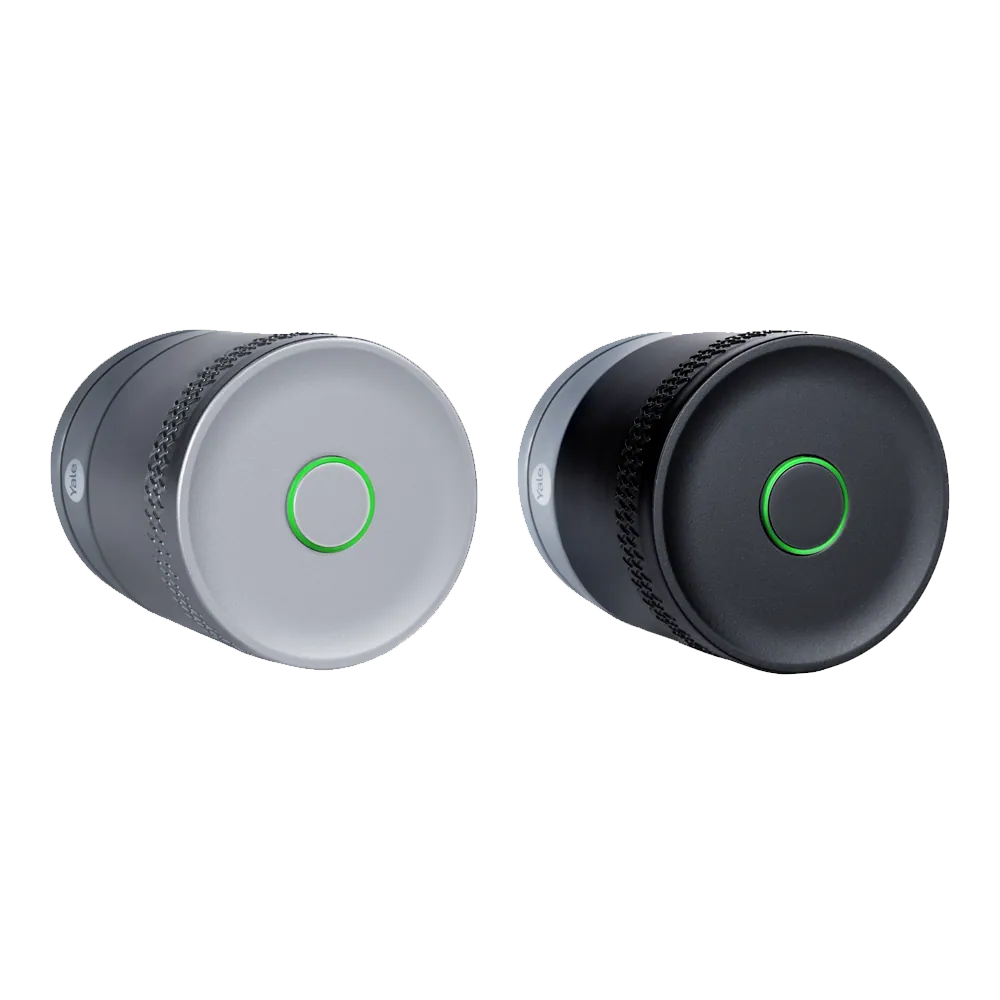
Yale Linus is the cheapest genuinely no-drill option, at around £129.99 (Yale Store, checked September 2026 — worth checking the current price via the link below, as it moves between retailers). It fits over your existing euro cylinder, keeps the physical key working as a backup, and adds app and keypad entry without any tools beyond a screwdriver for the mounting bracket. SwitchBot’s Lock Pro sits a tier up at ~£140 (as of September 2026) and covers a wider range of cylinder types — Euro Profile, UK Oval, Swiss Round and knob cylinders — which matters if your building has an older or non-standard lock. At the premium end, Nuki’s Smart Lock 3.0/4.0 Pro runs roughly ~£220–£300 depending on retailer and model (as of September 2026), and adds features like auto-unlock on approach and a door sensor — genuinely nice extras, but overkill for most single-tenancy flats.
| Lock | Price | No-drill fit | Buy |
|---|---|---|---|
| Yale Linus | £129.99 | Retrofits over existing euro cylinder | View on Amazon |
| SwitchBot Lock Pro | ~£140 | Euro Profile, UK Oval, Swiss Round, knob cylinders | View on Amazon |
| Nuki Smart Lock 3.0/4.0 Pro | ~£220–£300 | Euro cylinder, adds auto-unlock and door sensor | View on Amazon |
Prices checked September 2026 and vary by retailer — all three fit over an existing euro cylinder with no drilling required.
Pros
- Fits over the existing cylinder — original key still works
- No holes, no rewiring, no electrician needed
- Reverts to a completely normal lock at move-out
Cons
- Still worth a heads-up message to your landlord before fitting
- Battery-powered — needs a battery check every few months
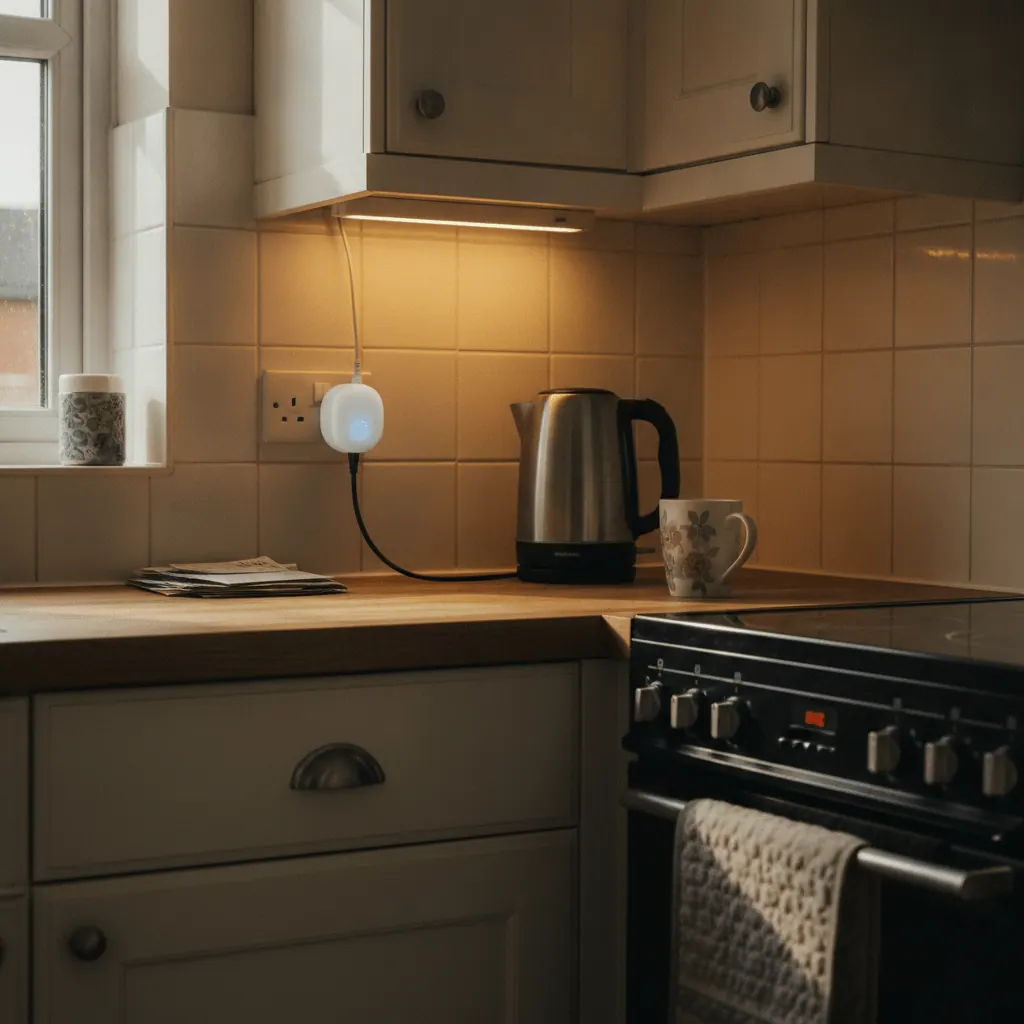
Peel-and-Stick Sensors: Door, Window and Motion Detection
Contact and motion sensors are the easiest device on this list to justify to a landlord because most attach with 3M adhesive pads rather than screws. A door or window contact sensor is two small plastic pieces — one on the frame, one on the door — that trigger a phone notification when they separate. Aqara’s Motion Sensor P1 is a solid, well-reviewed peel-and-stick PIR sensor at £24.98 from Aqara UK (aqara-shop.co.uk, checked 14 October 2026), small enough to sit on a shelf or door frame without anyone noticing it’s there.
The one honest caveat: Aqara’s sensors need an Aqara Hub, sold separately, to unlock full automations like triggering a light or a notification the moment a door opens after dark. Without the hub, a standalone Aqara sensor won’t do much on its own — so budget for the hub as part of the same purchase rather than assuming the sensor alone covers you. If you already run an Amazon Echo as your hub, that’s worth weighing against a dedicated Aqara Hub before you buy — see choosing a smart home hub for how the two ecosystems compare for renters specifically.
Freestanding and Battery Cameras (No Wired Doorbell Needed)
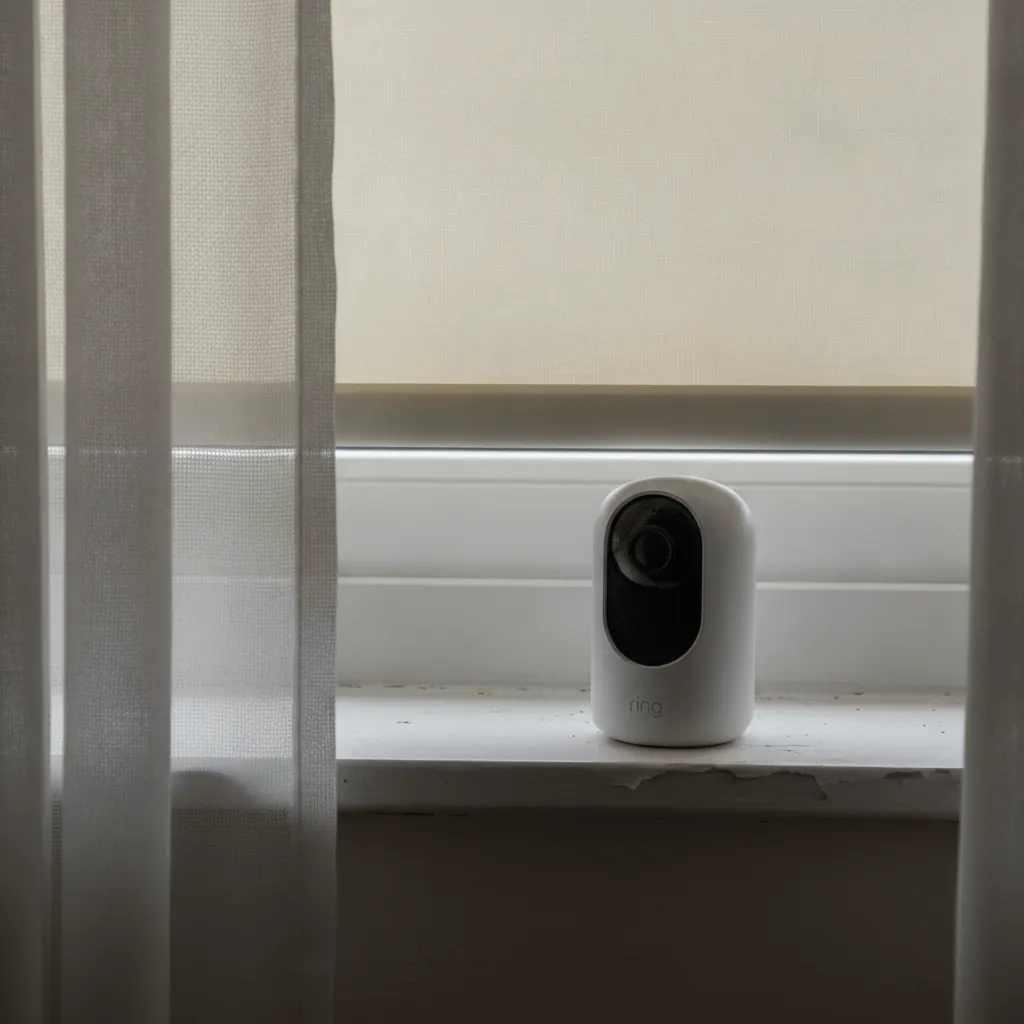
Most Ring doorbells need either your existing doorbell wiring or a drilled mounting bracket, which puts them on the “ask first” side of the deposit conversation. Freestanding and battery-powered cameras avoid that entirely — they sit on a shelf, clip to a bracket with adhesive tape, or simply plug into a socket, and nothing about the property changes.
Ring’s Stick Up Cam Battery is the clearest example: it’s £74.99 on Amazon UK (as of September 2026, live-checked — Ring’s own site lists an RRP of £99.99, so shop around), runs entirely on battery, and can be propped on a windowsill or attached with the included mount without a single screw into a wall you don’t own. For something even smaller and cheaper, Amazon’s own Blink Mini 2K+ has an RRP of around ~£35 (as of September 2026, frequently discounted), plugs straight into a socket, and is a genuinely sensible pick for watching a hallway or living room rather than covering an entrance. If you want the fuller picture of Ring’s whole camera range, our guide to the best Ring cameras breaks down indoor, outdoor and floodlight options in more depth — and if you do want a doorbell camera once you’ve spoken to your landlord, that’s the article to read, since most Ring doorbells genuinely do need drilling or existing wiring rather than being a no-drill option.
For renters who want security that goes beyond a single camera — full perimeter coverage, professional monitoring, a response if something’s triggered while you’re out — that’s a step up from anything on this page, and worth comparing before you commit. See DIY vs monitored alarm systems for how that compares to a self-managed camera setup.
Pros
- No wiring, no drilled bracket, fully portable between rooms
- Takes it with you when you move — nothing left behind
- Ring’s battery life comfortably covers weeks between charges
Cons
- Full Ring features (recorded video history) need a paid subscription
- A shelf-propped camera is easier to knock or reposition than a fixed one
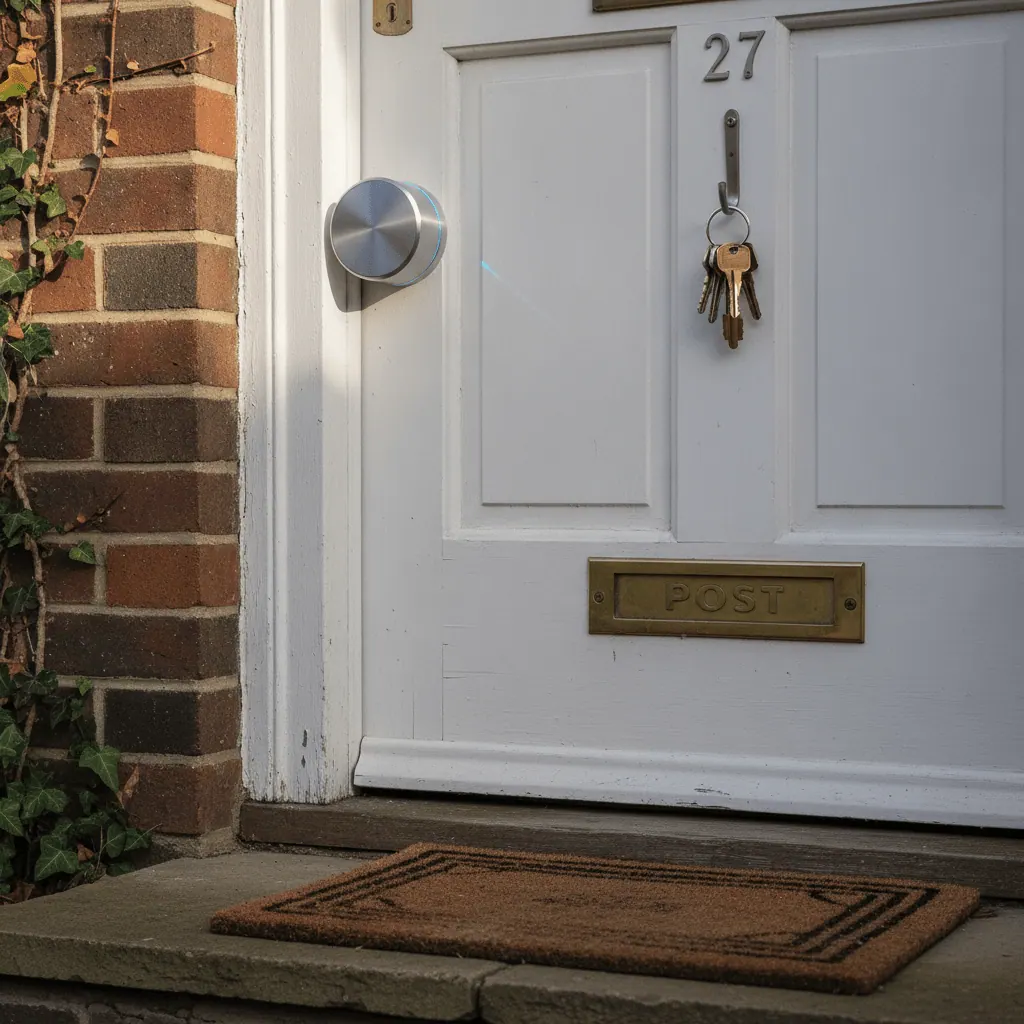
Smart Plugs That Work in Any UK Socket
Smart plugs are the safest possible starting point for a renter — they plug directly into a standard UK three-pin socket with no wiring, no adapter and no electrician, and every UK socket takes them without exception. TP-Link’s Tapo P110 is the pick worth knowing: a 2-pack with built-in energy monitoring is £15.97 on Amazon UK (as of September 2026, live-checked), down from an RRP of £23.99, which lets you see exactly what a lamp, a heater or a TV is actually costing you to run.
Amazon’s own Smart Plug is a simpler, no-monitoring alternative at around ~£16 (as of September 2026), and pairs natively with Alexa if you’re already running an Echo as your hub. Either way, a smart plug means you can schedule lamps to come on before you get home, turn off a forgotten heater from your phone, and — for a house-share — control your own devices without touching anyone else’s wiring or fuse board.
Portable Smart Lighting for a Rented Flat
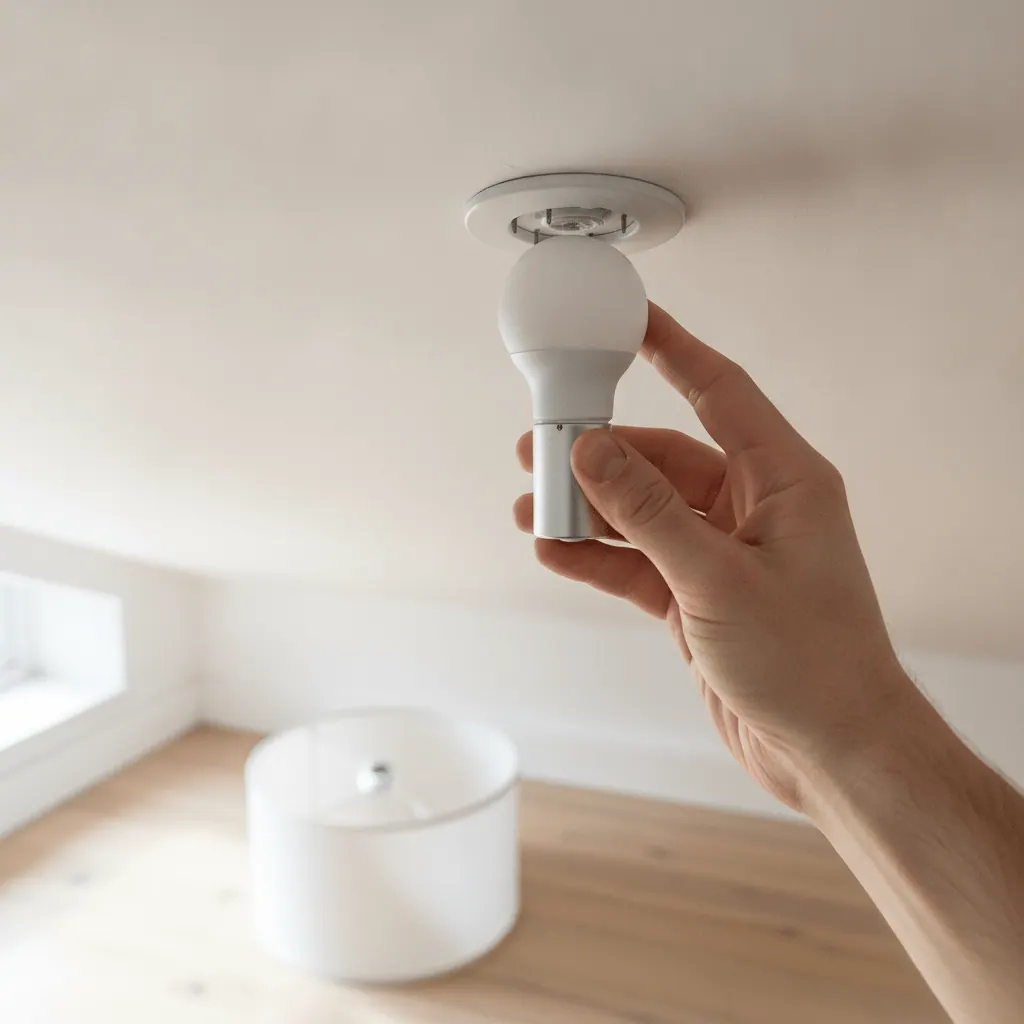
Smart bulbs are the one category where UK renters hit a genuine gotcha that most guides skip entirely: bulb fitting. British homes overwhelmingly use B22 — the bayonet fitting, where the bulb pushes in and twists a quarter-turn to lock — rather than E27, the screw fitting more common in continental Europe and the US. Before you buy a single smart bulb, check the fitting of the light you’re replacing; a B22 bulb will not physically fit an E27 socket or vice versa, and most UK product listings state it clearly, but it’s worth checking the exact SKU rather than assuming.
Philips Hue’s White and Colour Ambiance range comes in a proper B22 bayonet fitting, with a 2-pack at £73.59 on Amazon UK (as of September 2026 — a plain white-only Ambiance bulb, non-colour, is meaningfully cheaper, so check both listings before choosing colour you might not use). TP-Link’s Kasa smart bulbs are the budget alternative, available from around ~£15 per bulb (as of September 2026, verify current price — this figure comes from a competitor-sourced check rather than a live scrape). The genuine upside for a renter: every smart bulb screws or twists into a socket that’s already there, and when you move, it comes out and goes with you, leaving a completely ordinary bulb — or the landlord’s original — in its place.
Smart Home Devices on a Shared or Flatshare WiFi Network
Around 36% of UK households rent, and a large share of those are house-shares or HMOs where the broadband contract, and the router, belongs to the landlord rather than any individual tenant. That matters for smart home devices because they need a stable WiFi connection to work at all, and you may not be the person who can log into the router’s admin panel to add devices, set up a guest network, or restart it when something drops offline.
A few practical points if you’re in that situation. First, ask whoever holds the broadband account (a landlord, agent, or lead tenant) whether they’re comfortable with extra devices on the network — smart plugs and cameras add negligible load, but it’s a five-second courtesy message. Second, in a larger multi-storey HMO, a single router often doesn’t reach every room reliably, which is why mesh WiFi setups are commonly recommended for bigger shared houses rather than a single box in the hallway; that’s a conversation for whoever manages the property’s WiFi, not something you can unilaterally fix as a tenant. Third, if you do control your own router because it’s in your name, choosing a smart home hub is worth reading before you buy anything, since Alexa and Google’s ecosystems handle guest network and multi-device setups slightly differently, and it’s easier to pick once than to switch after buying a dozen devices.
What to Do With Your Smart Devices When You Move Out
Every device recommended in this guide comes with you when you move, because none of it is fixed to the property. The only real work is doing it in the right order so you don’t lose access to an app account or leave a device paired to a WiFi network you no longer have.
- Unpair each device from its app before you unplug or unstick it — for locks and hubs especially, removing the device from the app first avoids it getting stuck “orphaned” and hard to re-add later.
- Swap any retrofit smart lock cylinder back to standard if the landlord specifically asked for that at the end of the tenancy — most don’t require it since the original key still works throughout, but check your move-out agreement.
- Peel adhesive sensor pads off slowly, and use a hairdryer on a low setting first if a pad has been up for months — this avoids pulling paint off with it, which is the one genuine deposit risk in this whole category.
- Screw the landlord’s original bulbs back in if they left spares, or fit standard bulbs — leaving a smart bulb behind means leaving your app account paired to it too.
- Factory-reset anything you’re not taking, and reset anything you are taking before connecting it to a new home’s WiFi.
- Keep the original boxes and manuals where you can — most of these devices resell well second-hand if you upgrade later.
Which Smart Home for Renters UK Setup Is Right for You?
On a tight budget, first flat
Start with a Tapo smart plug or two and a Blink Mini 2K+ for the living room. That’s under ~£60 combined (as of September 2026) and covers the two most common first requests: scheduling a lamp and keeping an eye on the flat from your phone.
Living in a house-share or HMO
Stick to devices that don’t need router-level changes — battery cameras, plug-in devices, and Bluetooth-only bulbs if your ecosystem supports them. Confirm with the account holder before adding anything that needs a hub permanently connected to the shared network.
Longer tenancy, want proper security
A Yale Linus or SwitchBot Lock Pro on the front door, paired with an Aqara sensor on the door frame and a Ring Stick Up Cam covering the entrance, gets you close to a proper security setup without a single hole drilled — and every part of it comes with you at the end of the tenancy.
FAQ
Can I install a smart lock as a renter in the UK?
Yes, retrofit smart locks like Yale Linus or SwitchBot Lock Pro fit over your existing euro cylinder rather than replacing the whole lock, so no drilling is needed and the original key still works. It’s still good practice to let your landlord know before fitting one, even though it’s fully reversible.
Do I need my landlord’s permission to install smart home devices?
For adhesive, battery-powered or plug-in devices — sensors, freestanding cameras, smart plugs, smart bulbs — you generally don’t need formal permission because nothing about the property changes. For anything drilled or permanently wired, such as most video doorbells, ask first in writing, since most tenancy agreements include a clause requiring consent for alterations.
Will smart home devices affect my deposit when I move out?
Not if you stick to no-drill, no-wiring devices like the ones in this guide — adhesive pads, retrofit lock cylinders and screw-in bulbs all leave the property as it was. Deposit deductions under TDS, DPS or myDeposits typically only apply to damage beyond fair wear and tear, such as drilled holes or removed original fittings you haven’t replaced.
What smart home devices don’t need drilling or wiring?
Smart plugs, battery or plug-in cameras, peel-and-stick door and motion sensors, retrofit cylinder smart locks, and screw-in or bayonet smart bulbs all avoid drilling entirely. The one category that usually does need drilling or existing wiring is a traditional video doorbell, which is why this guide recommends freestanding cameras instead.
Can I take my smart devices with me when I move house?
Yes, every device recommended in this guide is designed to move with you — smart plugs unplug, cameras unclip, sensors peel off, bulbs unscrew, and retrofit locks swap back to a standard cylinder. Unpair each device from its app before removing it, and factory-reset it before connecting it to a new home’s WiFi.
Is B22 or E27 the right smart bulb fitting for my home?
Most UK homes use B22, the bayonet fitting where the bulb pushes in and twists a quarter-turn to lock, rather than E27, the screw fitting more common in continental Europe. Check the fitting of your existing bulb before ordering a smart replacement — B22 and E27 bulbs are not interchangeable, and UK product listings usually state the fitting clearly.
Do smart plugs work in every UK socket without an electrician?
Yes, smart plugs are designed to plug directly into a standard UK three-pin socket exactly like any other appliance, with no wiring or electrician involved. This makes them the lowest-risk starting point for a renter building a smart home from scratch.
Can I fit a battery security camera without drilling in a rented flat?
Yes, battery-powered cameras like the Ring Stick Up Cam Battery can be propped on a shelf or windowsill, or attached with an adhesive mount, without any drilling. Plug-in cameras like the Blink Mini 2K+ go a step further and simply plug into a socket, making them one of the fastest devices on this list to set up.
Start Your No-Drill Smart Home Today
Every device below fits a UK rented flat or house-share without a drill, a wire, or a difficult conversation with your landlord.

Prices and availability were checked in September 2026 and can change — always confirm the current price via the links above before buying. This article contains affiliate links; TheTechVector may earn a commission if you make a purchase, at no extra cost to you, which helps fund the independent research behind this site.

Written by the TheTechVector Team
We research UK broadband, VPN, laptop, and mobile deals so you don’t have to. All prices are checked before publication — if something’s out of date, let us know.
This site contains affiliate links to products. We may receive a commission for purchases made through these links.
