Affiliate disclosure: TheTechVector earns a commission if you sign up via links on this page, at no extra cost to you. Our recommendations are based on independent research — we are not paid to favour any provider. Learn more about how we make money.
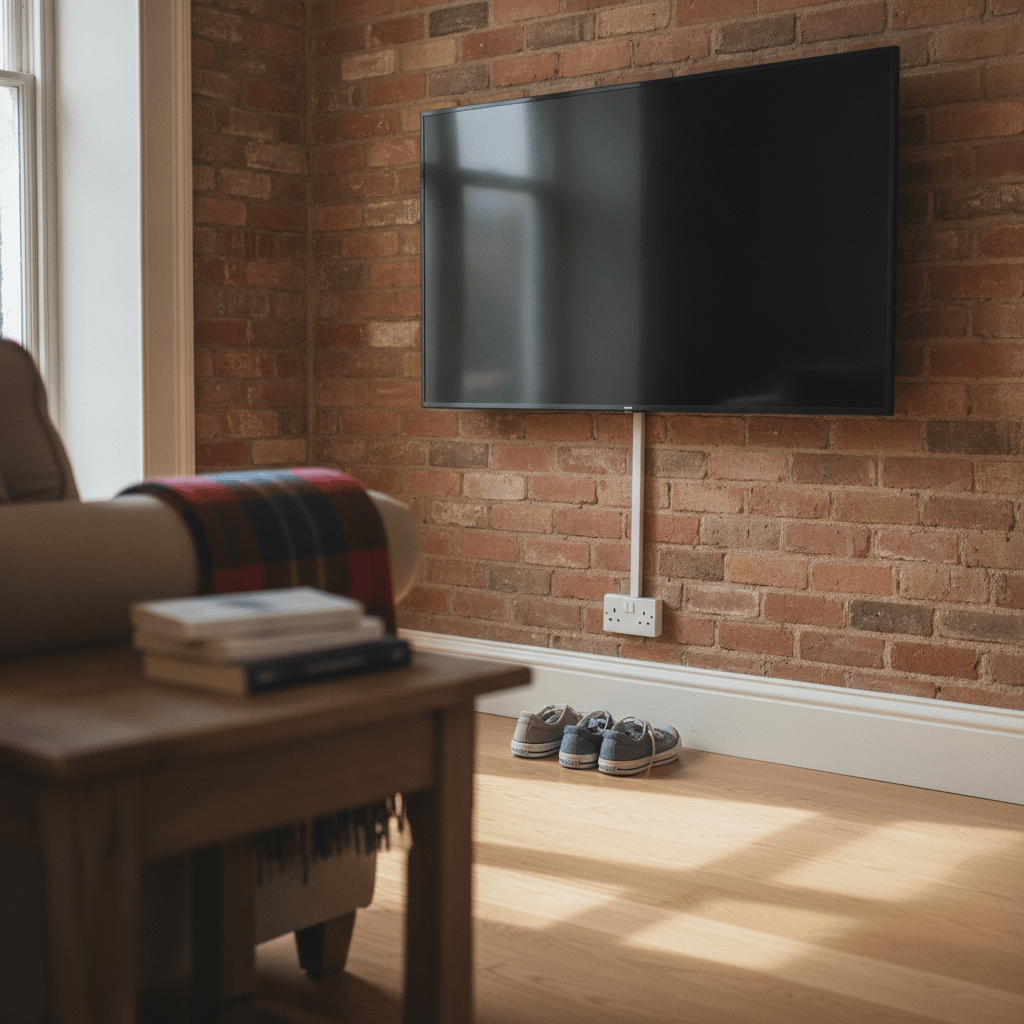
How to Wall Mount a TV UK 2026: Step-by-Step Guide
To mount a TV on a wall in the UK, you need to check your wall type, match a bracket to your TV’s VESA pattern and weight, and use the right fixings for brick, blockwork, stud or plasterboard. Most UK homes are brick or blockwork with a plaster finish — not timber-frame drywall, which is what a lot of guides assume. This guide covers the tools you need, how to identify your wall type, which bracket suits your room, the actual step-by-step fitting process, and the one electrical rule almost every other guide skips.
Last updated: August 2026
Quick Comparison: Fixed vs Tilting vs Full-Motion Mounts
Here’s the short version of which bracket type suits your room, before you get into wall types and weight ratings.
| Mount type | Typical price (Aug 2026) | Movement | Best for |
|---|---|---|---|
| Fixed | ~£20–£40 | None — flush to the wall | Eye-level viewing from one seating position, tightest wall gap |
| Tilting | ~£25–£60 | Up/down tilt, usually 5–15° | TVs mounted higher than eye level, above a fireplace |
| Full-motion | ~£50–£160+ | Extends, swivels, tilts | Corner rooms, multiple seating positions, open-plan spaces |
Quick Verdict
Best if you’re not confident drilling
A fixed bracket — fewest moving parts, cheapest, and the simplest fitting job on any wall type.
Best above a fireplace
A tilting bracket — angles the screen down towards your seating position without the cost of a full-motion arm.
Best for open-plan living
A full-motion mount — swings the screen to face a kitchen island, sofa or dining table from one fixing point.
Best first purchase
A stud/wall scanner — the £15–£30 tool that tells you exactly what’s behind the plaster before you drill anything.
What You’ll Need Before You Start
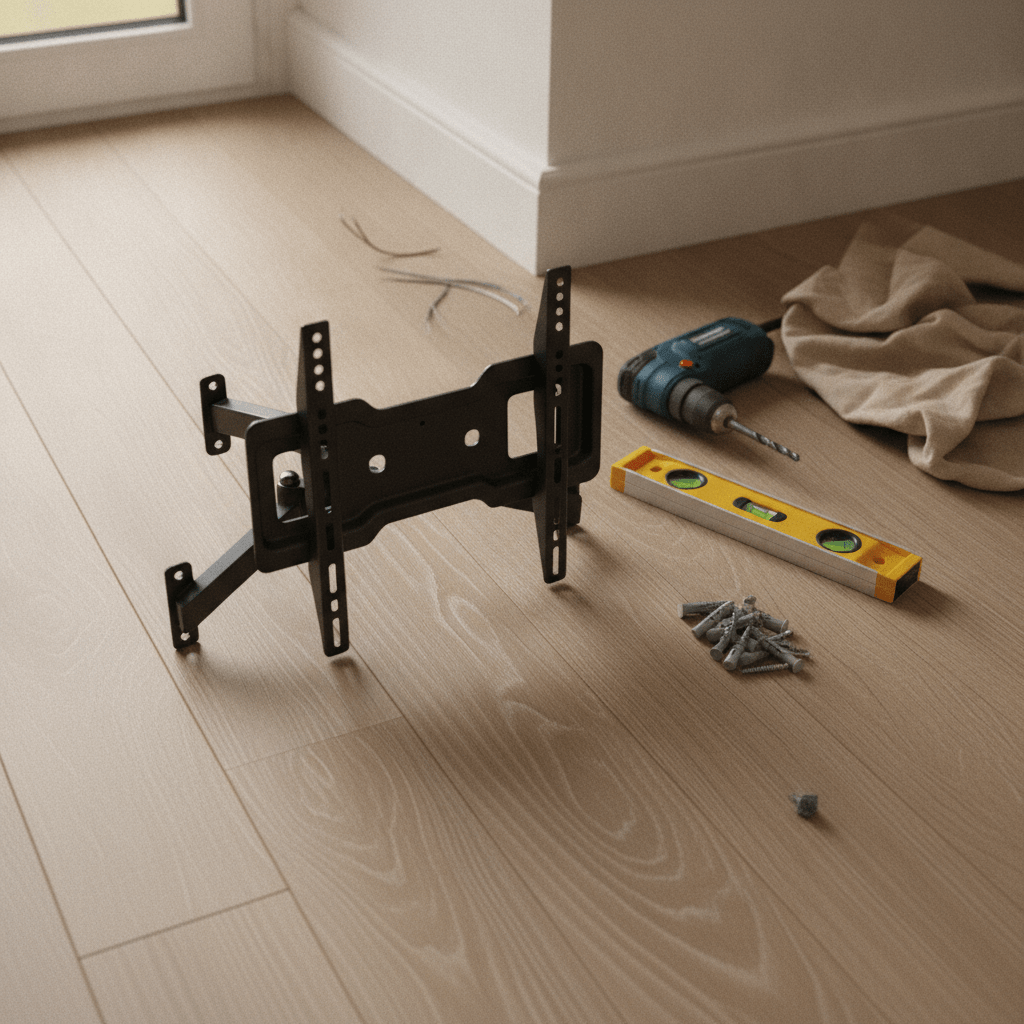
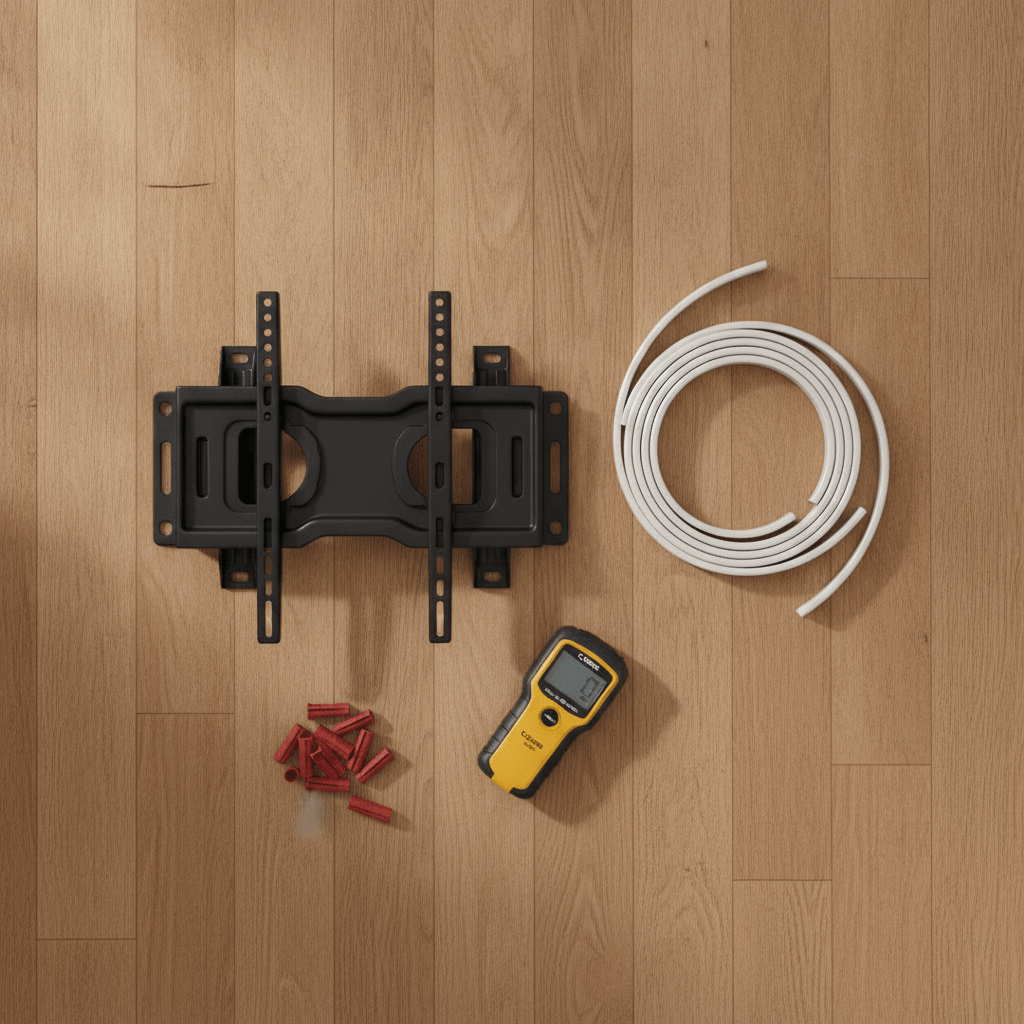
You need a bracket matched to your TV, the right fixings for your wall type, a drill, a stud/wall scanner, a spirit level, a pencil, a tape measure, and ideally a second pair of hands — TVs over 50 inches are awkward to hold and align alone.
For a brick or blockwork wall you’ll also need a masonry drill bit sized to your wall plugs and an SDS or hammer-action drill — a standard drill without hammer action struggles with UK brick and block. For a stud/plasterboard wall, a smaller pilot-hole bit and, if you can’t hit a stud, cavity fixings rated for your TV’s combined weight. Safety glasses and a dust mask are worth having for masonry drilling, and check for pipes or cables behind the wall with a scanner before you drill anything, regardless of wall type.
Check Your TV’s VESA Pattern and Weight First
VESA is the four-hole mounting pattern on the back of almost every modern TV, measured in millimetres as width × height — for example 400×400 or 600×400 on most 55–75-inch sets. Patterns range from 75×75 on small screens up to 800×400 on 80-inch-plus TVs. Check your TV’s manual or the sticker on the back panel, and buy a bracket rated for that exact pattern or a universal bracket with slotted holes that covers it.
Weight matters more than people expect, especially on a full-motion arm — the further the arm extends, the more strain it puts on the fixing point, so the bracket’s rated weight limit should comfortably clear your TV’s actual weight, not just match it. Add your TV’s weight (usually listed with its spec sheet) to any soundbar or accessory you’re mounting alongside it, and check that figure against the bracket’s stated maximum before buying. This is the same VESA standard used on monitor arms — if you’re setting up a desk with two screens rather than a TV, our guide to setting up dual monitors covers VESA compatibility for that use case specifically.
What Type of Wall Do You Actually Have? (Brick, Blockwork, Stud, Plasterboard)
Most UK homes are built from solid brick or blockwork with a layer of plaster on top — not timber-frame drywall, which is what a lot of TV-mounting guides assume. That distinction changes which fixings you need, so it’s worth identifying your wall type before you buy anything.
Solid brick or blockwork (most common in UK homes, especially external and older internal walls): tap the wall — a solid, dull thud usually means brick or block under the plaster. You’ll need a hammer-action or SDS drill, masonry wall plugs sized to your bracket’s screws, and enough patience to drill through plaster into masonry without the bit wandering. This is the most secure fixing type once done properly.
Stud/plasterboard partition walls (common on internal walls, loft conversions, and newer extensions): tap the wall and listen for a hollow sound, then use a stud/wall scanner to locate the timber studs behind the plasterboard, usually spaced 400mm or 600mm apart. Screwing directly into a stud gives a strong fixing; if your bracket’s holes don’t line up with a stud, you’ll need cavity fixings instead.
Plasterboard with no accessible stud (true cavity/hollow walls): heavy-duty cavity fixings — toggle bolts or brand-name anchors such as Grip-It — can hold a TV on plasterboard alone, provided the combined shear rating of all the fixings comfortably exceeds your TV, bracket and arm-strain weight. As a rough guide, TVs up to around 65 inches are often manageable this way with the right fixings; anything larger, or a heavy full-motion arm, is safer landing on a stud or masonry rather than plasterboard alone.
Whatever wall type you have, always scan for hidden pipes and electrical cables before drilling — a cable/pipe detector is a separate check from a basic stud finder, and cheap combined units cover both.
Best Fixed TV Wall Mount
A fixed bracket holds the TV flush to the wall with no movement at all, which makes it the cheapest and simplest option — fewer moving parts means less that can go wrong, and it’s the least demanding fixing job on any wall type since there’s no arm mechanism to level and tension.
It only really suits a room with one main seating position directly in front of the screen, since there’s no way to angle the TV afterwards. Expect to pay ~£20–£40 for a fixed bracket rated for a mid-size TV (as of August 2026 — check the current price via the link below, as pricing shifts often on Amazon UK).
Pros
- Cheapest bracket type
- Sits closest to the wall — minimal gap
- Simplest fitting job, fewest parts to align
Cons
- No angle adjustment once fitted
- Height and position must be right first time
Best Tilting TV Wall Mount
A tilting bracket adds up-and-down movement, usually 5–15 degrees, which solves the single most common wall-mounting complaint: a TV positioned above eye level — over a fireplace, for example — that leaves you looking up at an angle instead of straight on.
It’s a small step up in price from a fixed bracket for a genuinely useful improvement if your TV can’t sit at true eye level. Expect ~£25–£60 (as of August 2026 — check the current price before buying, as this range wasn’t confirmed against a live listing).
Pros
- Fixes the “TV too high” viewing angle problem
- Still sits close to the wall
- Cuts glare from windows or ceiling lights
Cons
- No side-to-side swivel
- Limited benefit if your TV is already at eye level
Best Full-Motion TV Wall Mount
A full-motion mount extends out from the wall on an articulated arm, then swivels and tilts — genuinely useful in a corner room, an open-plan kitchen-diner, or anywhere you watch from more than one seating position. Some fold flush against the wall when not extended.
It’s the most expensive bracket type and the one where weight rating matters most, since a fully extended arm puts far more strain on the wall fixing than a flush-mounted bracket. Prices range widely, roughly ~£50–£160+ depending on TV size and arm reach (as of August 2026 — check the current price before buying).
Pros
- Angles the screen towards any seating position
- Best option for corner or open-plan rooms
- Many fold flat against the wall when not in use
Cons
- Most expensive bracket type
- Needs the strongest wall fixing — check weight rating carefully
- Bulkier fitting job with more parts to align
Best Stud Finder and Cable Management Kit
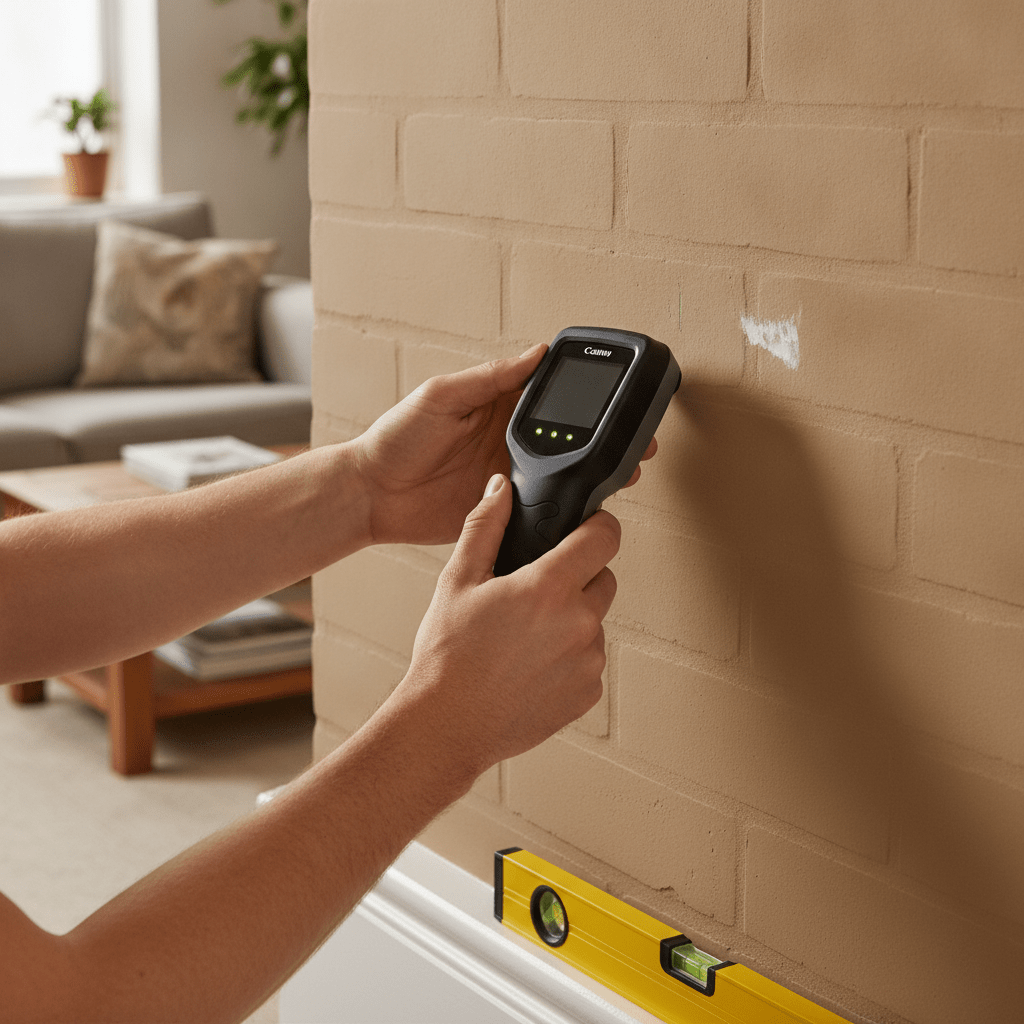
A combined stud, pipe and cable scanner is the one tool worth buying new rather than borrowing — it tells you exactly what’s behind the plaster before you commit to drilling, on both masonry and stud walls. Basic models start under £30; more sensitive multi-scanners with deeper detection sit around ~£52–£109 (as of August 2026, based on UK DIY retailer listings — check the current price before buying).
For cables, a surface-mounted raceway or cable channel is the simplest way to tidy the run from the TV down to your sockets without opening up the wall at all — paintable versions blend into most wall colours. Expect ~£10–£25 for a basic kit (as of August 2026 — check the current price before buying).
Pros
- A scanner takes the guesswork out of drilling into an unknown wall
- Surface cable channels need no electrical work or wall-chasing
- Both are cheap relative to the risk of drilling into a pipe or cable
Cons
- Basic scanners can struggle with thick plaster or dense masonry
- Surface channels are visible, even if paintable — not fully hidden like in-wall routing
Step-by-Step: How to Wall Mount Your TV
Once you’ve matched a bracket to your TV and identified your wall type, the fitting process itself is similar across brick, block and stud walls — only the drill bit and fixings change.
- Attach the VESA plate to the back of the TV first, using the screws supplied with the bracket — not longer ones, which can damage internal components.
- Mark your intended TV height on the wall, measuring so the screen’s centre sits roughly at seated eye level (~100–110cm from the floor in most living rooms).
- Use your stud/cable scanner to check the fixing area for hidden pipes, cables, and — on stud walls — the exact stud positions.
- Hold the wall bracket in place, check it’s level with a spirit level, and mark the fixing holes with a pencil.
- Drill the fixing holes — masonry bit and hammer action for brick/block, a smaller pilot bit for a timber stud, or the size specified by your cavity fixings on plasterboard.
- Insert wall plugs (masonry) or cavity fixings (plasterboard), then screw the bracket to the wall — don’t fully tighten until all fixings are in and the bracket is still level.
- With a second person supporting the TV, hook or slide the VESA plate onto the wall bracket according to the manufacturer’s instructions, then confirm it’s securely locked before letting go.
- Route your cables, check the TV is level and secure, and do a final tug test on the bracket before trusting it with the full weight of the TV unsupported.
If your bracket’s fixing holes don’t align neatly with a stud and you’re relying on cavity fixings, double-check the combined shear rating covers your TV’s full weight plus the bracket, with some margin — this is not the place to guess.
Cable Management: Hiding Wires the Safe Way (and the Part P Rule Most Guides Skip)
Not all TV cables are equal from a UK electrical safety standpoint, and this is the part most wall-mounting guides gloss over. Your HDMI, aerial and any other signal cables are low-voltage and unregulated — route them through a wall cavity, a surface raceway, or an in-wall low-voltage cable kit however you like, with no electrical rules involved.
Your TV’s mains power cable is different. Under UK Building Regulations Part P and BS 7671 (specifically Regulation 522.6.6/522.6.204), a mains cable concealed less than 50mm into a wall must either follow prescribed “safe zone” routes — vertically or horizontally from an accessory like a socket, or within 150mm of a wall or ceiling corner — or be mechanically protected, for example inside earthed metal conduit. Adding a new socket or chasing mains cable into a wall outside these rules is notifiable electrical work: it needs a Part P registered electrician, or Building Control notification if you do it yourself.
In practice, that means the simplest, fully DIY-safe way to hide a TV’s cables is a surface-mounted cable raceway that carries both the low-voltage leads and the power flex down to your existing socket — no wall-chasing, no electrician needed. If you want the power cable itself properly concealed inside the wall, that’s a job for a Part P registered electrician to fit a new socket behind the TV, not something to attempt with a chisel and a channel.
Full Gear Comparison for a Wall-Mounted TV
Here’s how the main hardware categories stack up once you know your wall type and TV weight.
| Gear | Typical price (Aug 2026) | Best for | Skip if… |
|---|---|---|---|
| Fixed bracket | ~£20–£40 | One seating position, tightest budget | You mount above eye level or in a corner room |
| Tilting bracket | ~£25–£60 | TVs mounted above eye level, e.g. over a fireplace | Your TV already sits at eye level |
| Full-motion bracket | ~£50–£160+ | Corner rooms, open-plan, multiple viewing positions | You only ever watch from one spot directly ahead |
| Stud/cable scanner | ~£15–£109 | Checking any wall before drilling | You already own one — reuse it |
| Cable raceway kit | ~£10–£25 | Hiding cables without opening the wall | You’re paying an electrician to fit a concealed socket instead |
When to Call a Professional (and What It Actually Costs)
Professional TV wall mounting typically costs £80–£150 in the UK, averaging around ~£120 for a straightforward job, with cable-chasing into the wall adding roughly ~£100–£180 on top (as of August 2026, based on UK trade cost-guide data — get a local quote to confirm). Branded install services from major retailers run similarly — Currys and John Lewis have both priced installs around £125–£179 depending on TV size and whether cable-hiding is included.
It’s worth paying for a professional if any of the following apply: you’re not sure what’s behind the wall and it’s a party wall or an older building where construction is unpredictable; you live in a listed or period property where drilling into original fabric needs care; your TV is 65 inches or larger and you can’t confirm you’re fixing into solid masonry or a stud; you’re working within 150mm of an existing socket or known cable run and aren’t confident identifying safe zones; or you want the mains power cable properly concealed inside the wall, which is Part P electrical work regardless of how confident you are with a drill.
If none of those apply — a standard brick, block or stud wall, a TV under 65 inches, and cables you’re happy to run through a surface raceway rather than inside the wall — this is a realistic weekend DIY job with basic tools.
Which Wall-Mounting Approach Is Right for You?
First-time DIYer with a standard living room
A fixed or tilting bracket on a brick or blockwork wall, with a surface cable raceway for tidiness. Buy a stud/cable scanner regardless of wall type — it’s the cheapest insurance against drilling into something you shouldn’t.
If you haven’t settled on a TV yet, our best OLED TVs guide covers current picks across budget tiers before you get to the mounting stage. And if you have not fully ruled out a projector instead, our TV vs projector comparison is worth a read before you drill any holes.
Open-plan kitchen-diner or corner room
A full-motion mount earns its higher price here — being able to swing the screen to face wherever you’re sitting is the entire point of an open-plan layout. Double-check the weight rating with real margin, since the extended arm adds strain a fixed bracket never has to deal with.
Plasterboard wall with no stud in the right spot
Heavy-duty cavity fixings can work for TVs up to around 65 inches, but check the combined rating carefully. For anything larger, or a full-motion arm’s extra strain, it’s worth finding a way onto a stud or nearby masonry rather than trusting plasterboard alone.
Renting, listed building, or genuinely unsure about your wall
Get a professional quote before drilling anything. £80–£150 is a reasonable price for the peace of mind, especially in a property where you can’t easily verify what’s behind the plaster.
Frequently Asked Questions
How high should I mount my TV?
Aim for the screen’s centre at roughly seated eye level — around 100–110cm from the floor in a typical living room. Bedrooms watched from bed usually need it higher, around 130–150cm, and a kitchen TV watched while standing needs to sit higher again.
Can you wall mount a TV on plasterboard?
Yes, either by screwing into a timber stud behind the plasterboard for the strongest fixing, or using heavy-duty cavity fixings rated for your TV’s weight if no stud lines up with the bracket. Larger TVs and full-motion arms are safer landing on a stud or masonry than plasterboard alone.
Do you need a stud finder to mount a TV, or can you mount without one?
You can mount without one on solid brick or blockwork, since you’re using masonry wall plugs rather than locating a stud. On a stud or plasterboard wall, a scanner is genuinely useful to find the timber studs — or confirm there isn’t one — before you commit to fixings.
How much does it cost to have a TV wall mounted professionally in the UK?
Typically £80–£150, averaging around £120, for a standard install (as of August 2026). Chasing cables into the wall adds roughly £100–£180 on top, and branded retailer services like Currys or John Lewis price similarly, around £125–£179 depending on TV size.
What tools do you need to mount a TV?
A bracket matched to your TV, a stud/cable scanner, a drill (hammer-action or SDS for masonry), the correct drill bit and wall fixings for your wall type, a spirit level, a pencil, a tape measure, and ideally a second person to help lift and align the TV.
Can you hide TV cables inside the wall?
Low-voltage cables like HDMI and aerial leads can go inside a wall cavity or an in-wall kit with no electrical rules attached. The mains power cable is different — concealing it inside a wall is regulated under Part P/BS 7671 and generally needs a registered electrician, which is why a surface cable raceway is the simpler DIY-safe option for the power lead.
What is VESA and how do I check my TV is compatible with a mount?
VESA is the standard four-hole mounting pattern on the back of a TV, given in millimetres as width × height — common examples are 400×400 or 600×400 on 55–75-inch TVs. Check your TV’s manual or the sticker on the back panel, then buy a bracket rated for that exact pattern or a universal one with slotted holes.
Is it safe to run a power cable through a wall for a TV?
Running the low-voltage HDMI or aerial cable through a wall is fine to DIY. Concealing the mains power cable inside the wall is regulated electrical work under Part P and BS 7671 — it needs a registered electrician or Building Control notification, not something to do yourself with a chisel and a cable channel.
How do you remove a wall-mounted TV bracket?
Unhook or slide the TV off the wall plate first, following your bracket’s release mechanism in reverse, then unscrew the wall plate from the wall. On masonry, you’ll be left with plug holes to fill; on plasterboard, cavity fixings can usually be unscrewed and the holes filled with standard filler.
What’s the difference between a fixed, tilting and full-motion mount?
A fixed mount holds the TV flush with no movement. A tilting mount adds up-and-down angle adjustment, typically 5–15 degrees, useful when the TV sits above eye level. A full-motion mount extends, swivels and tilts, letting you angle the screen towards different seating positions in the room.
Ready to Get Your TV on the Wall?
Match your bracket to your TV’s VESA pattern and weight first — everything else follows from that.
Prices and product availability change regularly — we do our best to keep figures current, but always check the retailer’s page for the latest price before buying. This article contains affiliate links; if you buy through one, TheTechVector may earn a commission at no extra cost to you. It doesn’t affect which products we recommend.

Written by the TheTechVector Team
We research UK broadband, VPN, laptop, and mobile deals so you don’t have to. All prices are checked before publication — if something’s out of date, let us know.
This site contains affiliate links to products. We may receive a commission for purchases made through these links.
